
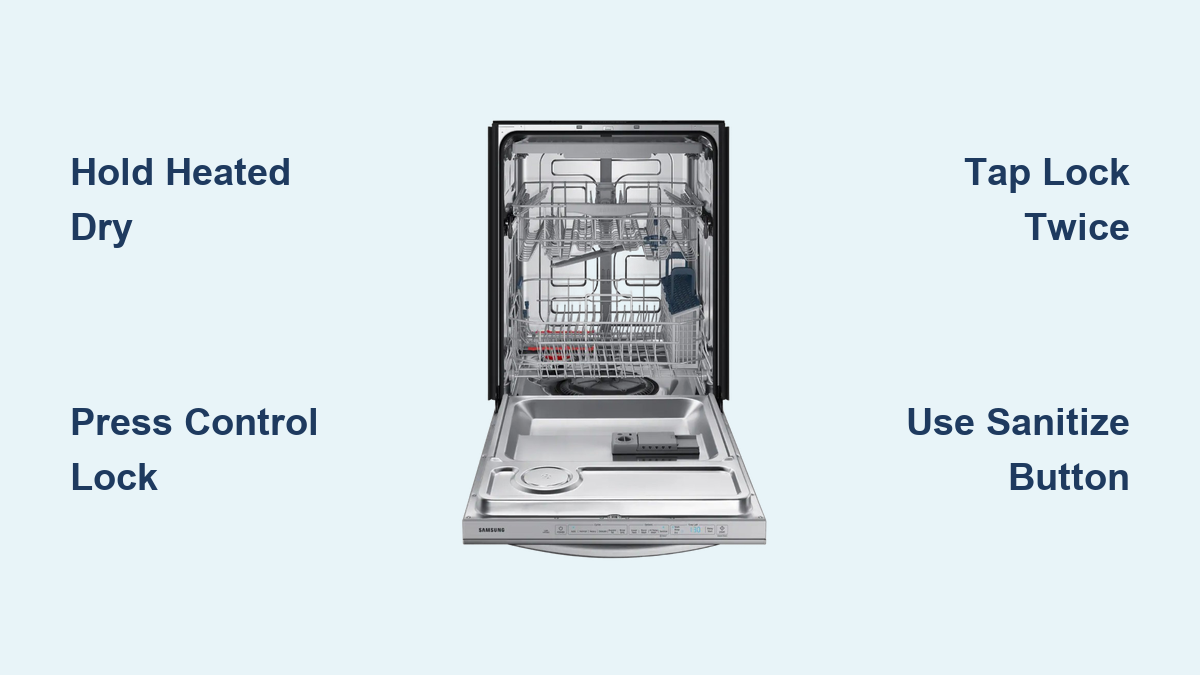
How to Unlock Samsung Dishwasher Quickly
Your Samsung dishwasher isn’t responding. You press buttons, but nothing happens. No cycle starts, no options change. Before you call a technician or assume it is broken, check this: your dishwasher is likely locked. The Control Lock feature is active on nearly every Samsung model, designed to prevent accidental presses. But when triggered by mistake during cleaning or by curious hands, it can look like a malfunction. The good news is unlocking it takes seconds once you know the right method. This guide covers every unlock technique by model, troubleshooting steps when buttons will not work, and how to avoid locking it again. You will be back to clean dishes in under a minute.
Identify Control Lock Activation
Recognize Locked Panel Symptoms
If your dishwasher shows these signs, the Control Lock is likely on. Most buttons do nothing when pressed. Only the Power button works. A padlock icon or indicator light glows on the panel. Pressing buttons makes the display blink or flash. No beep occurs after input. The cycle will not start despite correct settings.
Pro Tip: Do not assume hardware failure. Over 90% of unresponsive panel cases are due to an active Control Lock.
Locate Your Model Number
Unlock methods vary by model. Find your exact model number to use the correct fix. Open the dishwasher door. Check the top edge of the door frame or side panel. Look for a label starting with DW, like DW80R5061US or DW60A80KUWA. Once you have the model, match it to the unlock method below.
Unlock by Button Type

Heated Dry Button Hold
Models: DW80CG4021SR, DW60A80, DW6R70, DW60A60, DW6M
Best for: Mid-range and older Samsung dishwashers
Steps
- Close the door fully.
- Press and hold the Heated Dry button for 3 seconds.
- Listen for a beep, which confirms unlock.
- Watch for the lock light to turn off.
- Test other buttons to confirm responsiveness.
Warning: Long-pressing Heated Dry while cleaning can accidentally re-lock the panel.
Control Lock Button Hold
Models: DW80R2031US, others with labeled Control Lock
Best for: Models with a clearly marked lock button
Steps
- Ensure the door is closed.
- Press and hold the Control Lock button for 3 seconds.
- The indicator light will shut off.
- All functions return immediately.
User Confirmed: On the DW80R2031US, pressing any button while locked causes the display to blink. This is normal.
Sanitize Button Hold
Models: DW80R5061US, DW80R5060US
Best for: High-end models with touch displays
Steps
- Press and hold the Sanitize button for 3 to 6 seconds.
- No beep? Keep holding. Some models need a full 6 seconds.
- The lock icon disappears from the screen.
- Touchscreen becomes responsive again.
Critical: This lock persists through power outages. Even after unplugging, it stays on until manually disabled.
Multi-Tab Button Unlock
Models: Units without dedicated lock button
Best for: Entry-level or compact models
Steps
- Close the door.
- Press and hold the Multi-Tab button for 3 seconds.
- The lock symbol vanishes from the display.
- Full control resumes.
Why This Works: Samsung repurposes Multi-Tab as a lock toggle when no dedicated key exists.
Double-Tap Lock Pad
Models: Select newer or premium units
Best for: Models with a standalone lock icon
Steps
- Tap the Lock button twice quickly.
- The flashing light stops.
- Panel unlocks instantly. No hold required.
Menu-Based Child Lock Off
Models: DW60BB89*, menu-driven interfaces
Best for: Advanced models with navigation arrows and sub-menus
Steps
- Turn on the dishwasher.
- Press the Option button.
- Use Left/Right arrows to scroll to Child Lock.
- Press Start to enter.
- Select Off using arrows.
- Press Start again to confirm.
Troubleshoot Failed Unlock Attempts
Confirm Door and Power Status
Before retrying, verify these basics. Door must be fully closed and latched. Some models will not accept commands if open. Power must be stable. Check for display lights. Ensure the circuit breaker is on. If plugged into a GFCI outlet, reset the outlet.
Hidden Cause: A slightly ajar door can block unlock signals even if it looks closed.
Perform a Hard Reset
Use this when buttons do nothing even after correct holds.
Steps
- Turn off power by unplugging the unit or flipping the circuit breaker to Off.
- Wait 1 to 5 minutes. This clears electrical noise and resets the control board.
- Restore power.
- Try the unlock method again.
User Experience: One owner reported the lock symbol stayed after reset but vanished after a 3-second Heated Dry press post-reset.
Model-Specific Fixes

DW80R2031US: Use Control Lock Button
This model has a dedicated button on the panel. Hold for 3 seconds to toggle. Lock light turns on when active. Display blinks when buttons are pressed while locked.
DW80R5060US: Look for Lock Symbol
No labeled Child Proof button exists. Lock symbol appears on screen. Use Heated Dry or Sanitize hold if no dedicated key.
DW80R5061US: Hold Sanitize 6 Seconds
This model has a touchscreen interface with no physical feedback. No beep occurs during unlock. Rely on visual change and touch response. High risk of accidental activation exists because Sanitize button pulls double duty.
User Trend: Many complain about unclear labeling. The padlock icon is the only clue. No text says locked.
Prevent Accidental Locking
Avoid Long Presses During Cleaning
Wiping the panel with a damp cloth can accidentally trigger a 3-second hold. To prevent this, press and release buttons quickly when cleaning. Do not rest fingers on Heated Dry, Sanitize, or Multi-Tab pads.
Educate Household Members
Teach kids and helpers that holding any button for 3 seconds may lock the panel. Post a sticky note warning not to hold buttons.
No Permanent Disable Option
Important: There is no way to permanently turn off Control Lock on any Samsung dishwasher. It cannot be disabled via service codes, factory reset, or firmware settings. You must manually unlock each time it activates.
Quick Reference: Unlock Methods at a Glance
| Control Feature | Unlock Action | Duration | Feedback |
|---|---|---|---|
| Heated Dry | Hold | 3 sec | Beep + light off |
| Control Lock Button | Hold | 3 sec | Light turns off |
| Multi-Tab | Hold | 3 sec | Symbol disappears |
| Sanitize | Hold | 3-6 sec | Touchscreen works |
| Lock Pad | Double-tap | Instant | Flashing stops |
| Option Menu | Navigate to Off | Varies | On-screen confirmation |
Final Tips for Full Control
- Always close the door before unlocking. Many models require it.
- Try Heated Dry first. It works on most older and mid-tier units.
- If touchscreen, try Sanitize hold. Some need 6 seconds.
- Look for arrow keys? Use the menu method.
- No response? Do a hard reset then retry the unlock.
- Still stuck? Download your official manual from Samsung website using your model number.
Bottom Line: A locked panel is not a broken panel. With the right 3-second press, your Samsung dishwasher will respond instantly. Save time, skip the service call, and get back to clean dishes fast.
Frequently Asked Questions About Unlocking Samsung Dishwashers
How do I know if my Samsung dishwasher is locked?
Look for a padlock icon or indicator light on the control panel. Buttons will not respond when pressed, though the Power button may still work. The display might blink when you press buttons, and the cycle will not start.
Why will my Samsung dishwasher not unlock?
The door may not be fully closed. The correct button may not have been held long enough. Try holding Heated Dry for 3 seconds. If nothing works, perform a hard reset by unplugging for 5 minutes, then try again.
Does unplugging my Samsung dishwasher reset the lock?
No. The Control Lock persists through power outages and unplugging. You must manually disable it using the appropriate button hold method even after a power reset.
Can I permanently disable the Control Lock on my Samsung dishwasher?
No. There is no way to permanently disable the Control Lock on any Samsung dishwasher model. It cannot be turned off through service codes, factory reset, or firmware settings. You must manually unlock it each time it activates.
Which button unlocks most Samsung dishwashers?
The Heated Dry button is the most common unlock method. Hold it for 3 seconds on most mid-range and older models. If that does not work, check for a dedicated Control Lock button or try holding Sanitize for 3 to 6 seconds.
What do I do if none of the unlock methods work?
Perform a hard reset by turning off the circuit breaker for 5 minutes. Restore power, then try the unlock method again. If it still fails, download your official Samsung manual using your model number or contact Samsung support for model-specific assistance.
Key Takeaways for Unlocking Your Samsung Dishwasher
The Control Lock feature on Samsung dishwashers is a safety mechanism, not a malfunction. When your buttons stop responding, check for the padlock icon first before assuming something is broken. Most models unlock by holding the Heated Dry button for 3 seconds, though some require holding Sanitize for up to 6 seconds or using a dedicated Control Lock button. The lock persists through power outages, so unplugging the dishwasher will not automatically disable it. Bookmark this guide or save your model number so you can quickly access the correct unlock method whenever needed.





