Bosch Dishwasher Blinking Red Light: Quick Fix Guide
You press Start, but instead of beginning its cycle, your Bosch dishwasher flashes a red light on the floor or control panel. The blinking red light is one of the most common issues Bosch owners face, and while it can be alarming, it is rarely a death sentence for your appliance. In fact, 80% of blinking red light problems are easily resolved with simple fixes like refilling rinse aid or resetting the system. This guide breaks down exactly what the red light means, why it is blinking, and how to fix it step by step.
Identify Which Red Light Is Blinking
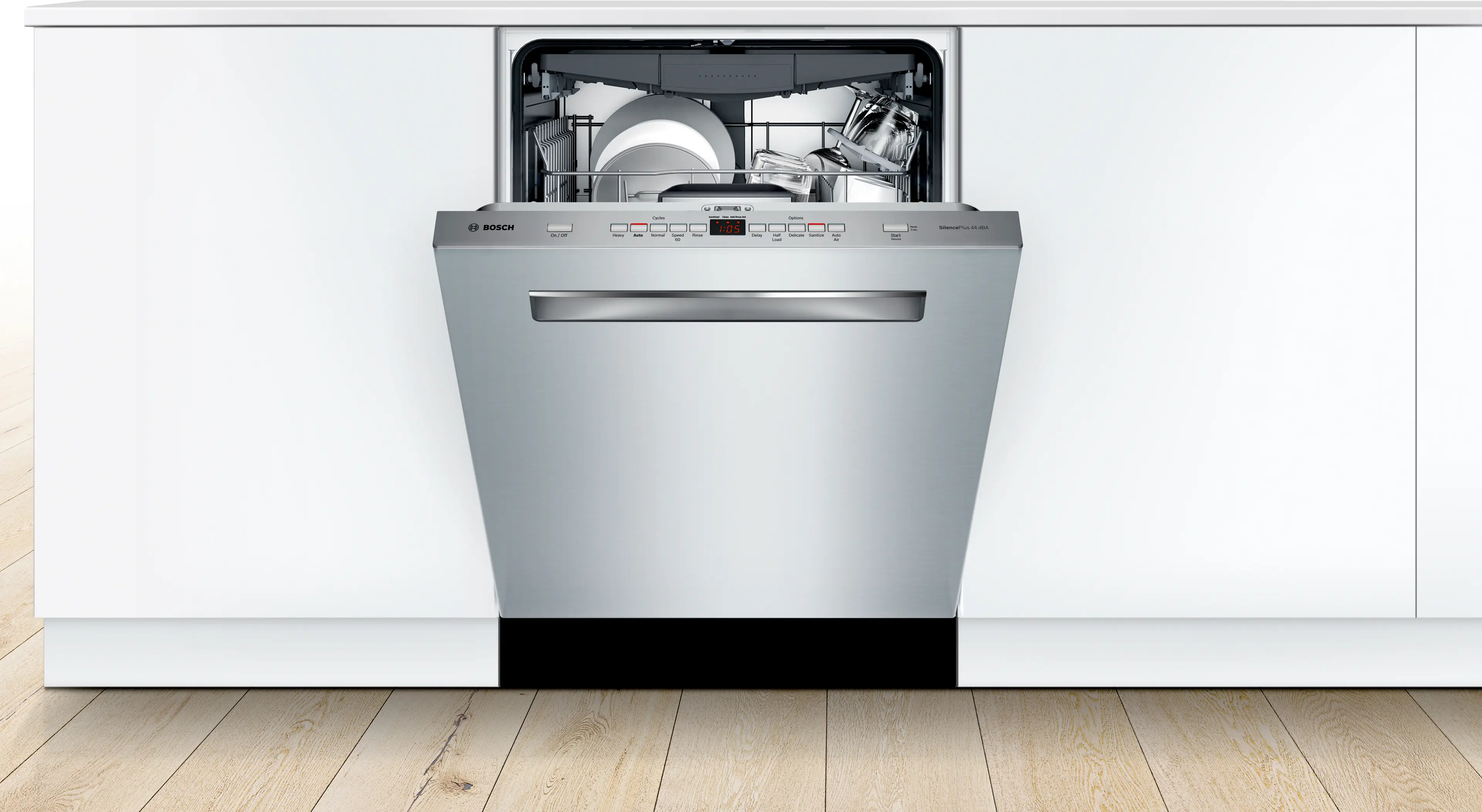
Before troubleshooting, you need to identify which red light is blinking because not all Bosch models have the same indicators. Misreading the signal leads to wasted effort and frustration.
Floor-Projected InfoLight
This red light shines onto the floor from the front base of the dishwasher. It is common on models with top-mounted controls like the SHPM65Z55N.
The floor light behavior indicates different statuses. A steady red light means the cycle is in progress. When the light is off, the dishwasher is idle or the cycle is complete. A blinking red light signals an active fault, usually related to the door latch, rinse aid, or water supply issue. Some models like the ShEM78W56N do not have this feature due to front-mounted controls.
Control Panel LED (Lower Right)
Found on touch-control models, this red light is part of the interface. A solid red indicates the dishwasher is running or powered on. After a cycle completes, it changes to green and stays on for up to 2 hours. A flashing red indicates an error state that could mean water inlet failure, child lock, or a control board glitch.
Pro Tip: If the light blinks with beeps, it is a serious fault. Note the pattern because some models use flash-beep sequences to signal specific errors.
Common Causes of Blinking Red Light
The red light is a general fault indicator, not a specific diagnosis. Here is what is most likely causing it, ranked by frequency.
Low or Empty Rinse Aid
This is the most common cause, especially in newer models. Even with detergent pods, Bosch systems monitor rinse aid levels independently. When the reservoir is empty, the dishwasher blocks cycle start and blinks red, even when idle. The fix is simple: refill to the max line using Finish Jet Dry or Bosch-approved rinse aid.
Door Not Fully Latched
A dirty or damaged door seal prevents the “safe to run” signal from reaching the control board. This is often caused by food debris in the latch, misaligned racks, or a damaged door seal. If you do not hear a distinct click when closing the door, the door is not sealed properly.
Water Supply Issues
This accounts for approximately 65% of blinking light cases. Causes include a closed shut-off valve, kinked or clogged inlet hose, low water pressure below 20 psi, or a clogged inlet filter screen.
Failed Door Latch or Sensor
Common in 300 Series models, the latch must send an electrical signal when closed. If the sensor fails, the control board thinks the door is open, even when it is shut.
Quick-Fix Protocol (80% Success Rate)
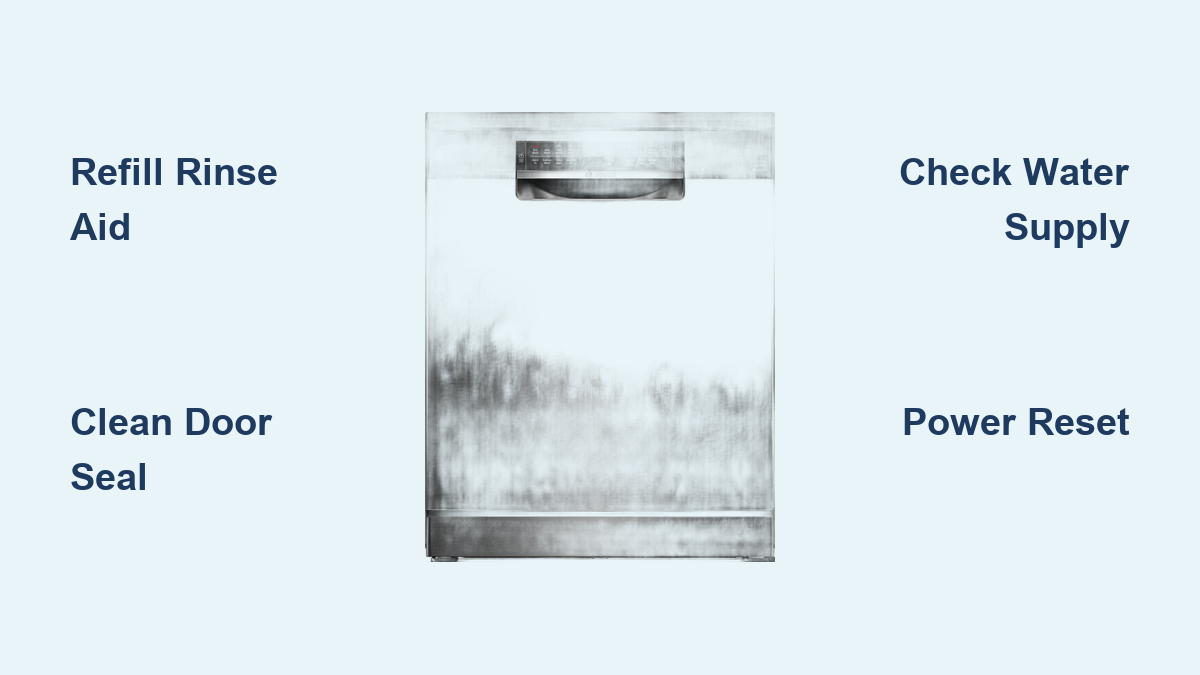
Try these four steps first because they resolve most blinking red light issues quickly.
Refill Rinse Aid
A low rinse aid level is the number one overlooked cause. Open the rinse aid compartment next to the detergent drawer. Use a funnel to fill slowly to the max line. Close securely because overfilling can trigger leaks or false readings. Run a short rinse cycle to reset the system.
Note: Even detergent pods do not eliminate the need for rinse aid. The sensor monitors it independently.
Clean Door Latch and Seal
A dirty or damaged seal prevents proper latching. Remove any utensils or racks blocking closure. Ensure the lower rack is fully inserted. Wipe the rubber gasket with warm, soapy water and a soft cloth. Avoid abrasive cleaners because they degrade the seal. Inspect for cracks, warping, or mold. Replace if brittle or no longer forms a tight seal. Close the door firmly and listen for a click. If it feels loose or wobbly, the internal latch may be broken.
Use Correct Start Timing
Many users trigger a door error by closing the door too slowly after pressing Start. Press the Start button, then close the door within 3 to 5 seconds. Do not pause or reopen during initiation. Walking away and closing later causes the system to time out and flag a fault.
Perform a Power Reset
This clears temporary glitches in the control board. Turn off power at the circuit breaker, not just the wall switch. Wait 5 to 10 minutes to drain capacitors and reset memory. Restore power and try starting a new cycle.
Advanced Troubleshooting Steps
If the light still blinks after the quick fixes, move to deeper diagnostics.
Try a Button Reset (Soft Reset)
This preserves settings while clearing error flags. Open the door. Press and hold Start/Reset for 5 seconds until lights go out. Close the door and wait 90 seconds for the pump to drain residual water. Open, press Power Off, then restart a cycle.
Cancel Drain for Standing Water
Leftover water can prevent cycle start. With the door open, press and hold Cancel Drain for 3 seconds. Close the door. Wait 1 minute for system reset. Restart the cycle.
Verify Hot Water Supply
Bosch requires 120°F inlet water. Cold water slows heating and triggers fault detection. Run the kitchen tap on hot for 1 to 2 minutes before starting. Avoid using other hot-water appliances simultaneously. Test water temperature with a thermometer.
Test the Float Switch
A stuck float prevents startup and is common in older models. Remove the lower rack. Locate the plastic cylinder at the tub base. Lift and release because it should move freely. Clean mineral buildup with vinegar and a soft brush. Replace if cracked or seized.
Inspect Water Inlet Valve and Hose
No water means checking the supply chain. Confirm the shut-off valve under the sink is fully open. Examine the inlet hose for kinks or crushing. Disconnect the hose and clean the filter screen at the connection point using tweezers or a soft brush. Reconnect and check for leaks.
Warning: Always shut off water before disconnecting.
Diagnose Internal Component Failures

When resets fail, test these parts.
Check Door Latch with Multimeter
A faulty latch will not send the “closed” signal. Turn off power at the breaker. Access latch terminals, which may require removing the inner door panel. Set the multimeter to continuity mode. Touch probes to terminals. A good latch produces a beep or near-zero resistance. A bad latch shows no beep or infinite resistance. Inspect wiring for corrosion or loose connections.
Identify Error Codes (Wi-Fi Models)
Newer Bosch dishwashers with Home Connect send specific codes via the app. Error code E15 means a water-heating fault, so check the heating element, thermistor, and wiring. Error code E24 means a drainage obstruction, so clean the filter, pump, and drain hose. Download the Bosch Home Connect app, pair your dishwasher, and view real-time alerts.
Rule Out Child Lock
On touch-control models, an active child lock mimics a fault. The symptom is an unresponsive panel with a padlock icon visible. To fix this, press and hold the child lock button for 3 to 5 seconds. Listen for a beep or watch for the lock icon to disappear. Test the controls afterward.
When to Call a Technician
Seek professional help if the blinking persists after all resets and cleaning. Call if you smell burning or hear electrical buzzing. Call if there is water leakage under the unit. Call if the control panel is frozen or erratic. Call if you are uncomfortable testing electrical components.
| Service | Cost |
|---|---|
| Service call | $120 |
| Door latch replacement | $80–$150 |
| Control board | $200–$300 |
| Inlet valve | $40–$80 |
| Labor | $75–$125/hour |
Warranty Tip: Do not attempt internal repairs if under warranty because you could void coverage.
Prevent Future Red Light Issues
Stay ahead with routine maintenance.
Monthly Tasks
Clean the door gasket with mild soap. Inspect and clean the float switch. Check the inlet hose for kinks.
Quarterly
Run a cleaning cycle with 1 cup white vinegar in the top rack. Or use Bosch Dishwasher Cleaner for deeper descaling. Verify the water hardness setting matches your area.
Annually
Replace the rinse aid cap if leaking. Inspect electrical connections. Update firmware via Home Connect if available.
Always
Use rinse aid even with pods. Close the door within 3 to 5 seconds of pressing Start. Ensure the detergent drawer opens freely after cycles.
Final Checklist: Is Your Blinking Red Light Fixed?
Use this quick verification after repairs. Check that rinse aid is filled to the max line. Verify the door closes with an audible click. Confirm no obstructions or debris. Ensure the water supply valve is open. Check that the inlet hose is straight and unclogged. Confirm the power reset was performed. Verify the control panel is responsive. Check for no standing water in the tub.
If all boxes are checked and the light is steady or off, run a test cycle. Monitor the first 2 to 3 washes to ensure the issue does not return.
Key Takeaways for Fixing Your Bosch Dishwasher
A blinking red light on your Bosch dishwasher is not a sign of permanent failure. It is a helpful alert designed to prevent damage. The four quick fixes (refill rinse aid, clean door latch, close door properly, perform power reset) resolve approximately 80% of cases. More advanced troubleshooting covers water supply, float switch, inlet valve, and internal components. Use the Bosch Home Connect app for Wi-Fi-enabled models to get specific error codes. Professional repair costs average $120, so try the simple fixes first. Keep this guide handy for future reference, and always consult your model manual for specific details.
Frequently Asked Questions About Bosch Dishwasher Blinking Red Light
Why is the red light on my Bosch dishwasher blinking?
The blinking red light indicates an active fault. Common causes include low rinse aid, door not fully latched, water supply issues, or a sensor malfunction. Start by refilling rinse aid and ensuring the door closes properly.
How do I reset my Bosch dishwasher with a blinking red light?
Perform a power reset by turning off the circuit breaker for 5 to 10 minutes. Alternatively, press and hold the Start/Reset button for 5 seconds with the door open, then close and wait 90 seconds before restarting.
Does a blinking red light mean my Bosch dishwasher is broken?
No, it is a fault indicator, not a permanent failure. Most issues are simple fixes like refilling rinse aid or clearing a clogged door latch. Only 20% of cases require professional repair.
What does the floor-projected red light mean on my Bosch dishwasher?
The InfoLight projects a red glow onto the floor. A steady light means the cycle is running. A blinking light signals a fault related to the door, rinse aid, or water supply. Some models do not have this feature.
How much does it cost to repair a Bosch dishwasher blinking red light?
Average repair costs are around $120. Door latch replacement runs $80 to $150, while control board replacement costs $200 to $300. Simple fixes like rinse aid refilling are free.