
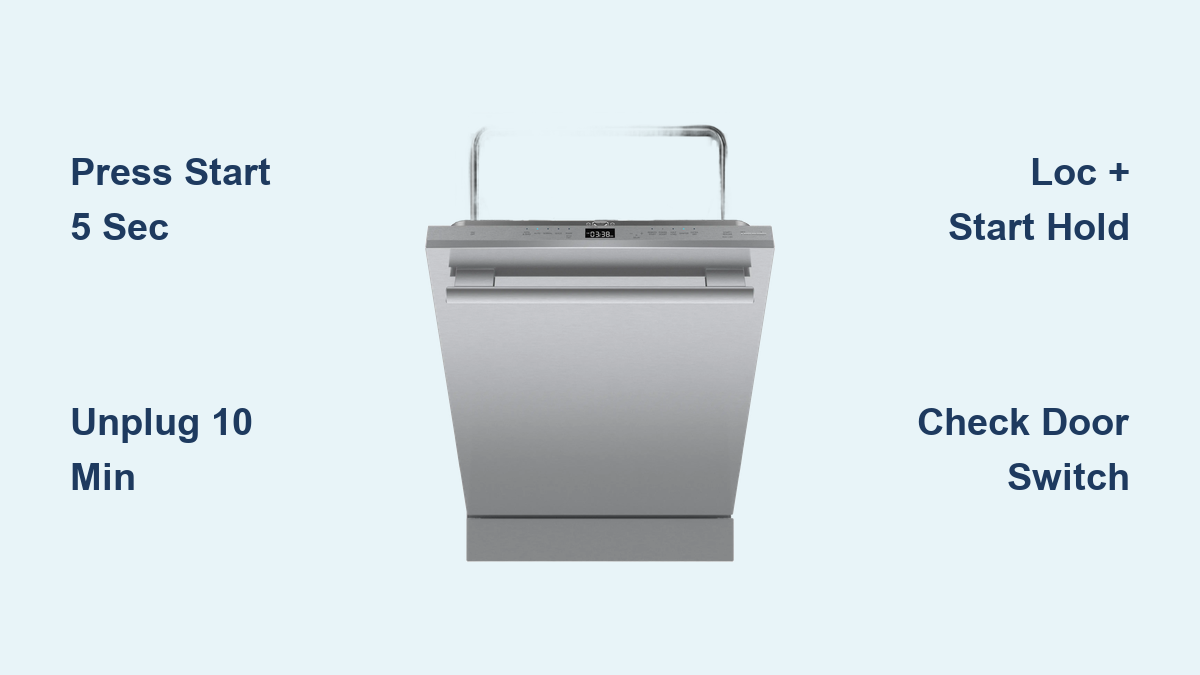
How to Reset Thermador Dishwasher: Quick Steps
Is your Thermador dishwasher stuck mid-cycle, showing error codes, or failing to respond entirely? These frustrating issues often stem from temporary electronic glitches that a simple reset can resolve. This guide covers every reset method available for Thermador dishwashers, from quick soft resets to full power-cycle reboots, along with troubleshooting tips for common post-reset problems.
By the end of this article, you will know exactly which reset method to use based on your symptoms, how to perform each step correctly, and when it is time to contact professional support.
Soft Reset: Cancel Active Cycle or Clear Minor Errors
The soft reset serves as your first troubleshooting step for most operational problems. This method interrupts the current wash program without erasing your custom settings.
Press and Hold Start Button
Press and hold the Start button for exactly 5 seconds. This triggers a two-minute drain sequence that cancels the active cycle. The dishwasher pumps out remaining water and returns the control panel to standby mode.
After the drain completes, turn the unit off using the power button, wait 10 seconds, then turn it back on. Select a short program like Rinse or Express Wash to test whether normal operation has resumed.
When to Use Soft Reset
Use this method when your dishwasher exhibits these symptoms:
- Control panel lights up but the unit does not start
- Cycle runs but fails to progress through stages
- Spray arms stop rotating mid-wash
- Transient error codes appear and disappear
- Unit fails to start after closing the door
Pro Tip: This method resolves approximately 70% of minor glitches and frozen cycles. On models with hidden controls behind the door, the Start button works only when the unit is active.
Hard Reset: Power-Cycle for Full Reboot

A hard reset provides a complete system reboot by disconnecting all power from the dishwasher. This clears residual charge from the control board and is the most effective solution for persistent faults.
Disconnect Power Supply
Turn off the dishwasher using the control panel power button if it is functional. Then disconnect power using one of these methods:
- Unplug the unit from the wall outlet for plug-in models
- Switch off the dedicated circuit breaker at your electrical panel for hardwired units
Ensure the breaker is fully off. Some breakers appear off but still deliver partial power.
Wait 5 to 10 Minutes
Wait at least 5 minutes, though 10 minutes is ideal for complete capacitor discharge. This waiting period allows the electronic control module to fully reset and clears temporary fault memory from the system.
Restore Power and Restart
Plug the unit back in or flip the breaker on. Open and close the door to activate the panel, then allow 10 to 20 seconds for system initialization. Check for normal display startup, no persistent error codes, and audible pump engagement within 10 seconds of starting a new cycle.
Expert Note: Technicians report a 90% success rate in resolving unresponsive panels and recurring error codes using this 10-minute power disconnection method.
Control-Panel Factory Reset: Loc + Start Combination
Some Thermador models support a factory-level reset that clears all custom preferences and resets the control system to default settings.
Press Loc and Start Together
On models equipped with a Loc (Lock) button, simultaneously press and hold Loc and Start for at least 5 seconds. The active cycle stops immediately, and the system reboots to factory defaults.
This reset clears:
- Favorite wash cycle settings
- Delay start configurations
- Soil sensor calibration
- Adaptive wash algorithm preferences
Compatible Models
This method works only on select models:
- Thermador Pro Series and Integrated models
- Units manufactured from 2015 onward
- Touch-control panels with a visible Loc button
Warning: If nothing happens after holding both buttons for 5 seconds, your model does not support this function. Proceed with the hard reset instead.
When to Use Factory Reset
Consider this reset after installing a new control board, when error codes persist despite soft and hard resets, before reselling or servicing the unit, or following firmware updates.
Fix Unresponsive Controls
When your dishwasher shows no lights, no beeps, and completely unresponsive buttons, a full hard reset is necessary.
Perform 10-Minute Power Disconnect
If the display is completely black, cut power at the circuit breaker. Wait exactly 10 minutes before restoring power. This ensures complete discharge of all capacitors and control module memory.
Critical Step: Confirm the circuit breaker is fully off by toggling it completely to the off position, then back on. Partial disconnection will not reset the system.
Verify Power Delivery
For plug-in models, test the outlet by plugging in another device to confirm power is available. For hardwired units, check the junction box for loose connections or signs of overheating. Listen for a relay click when power returns, which confirms basic electrical function.
Restore Display Function After Reset
A blank screen after reset may indicate electrical issues beyond the control board.
Check Breaker and Fuse
Reset the dishwasher’s dedicated circuit breaker at your electrical panel. For homes with fuse boxes, inspect for blown fuses. If your unit connects through a GFCI outlet, check that it has not tripped.
Inspect Door Switch
The door microswitch prevents operation when the door is open. If this switch fails, the panel may not light up and the unit won’t start even when properly closed. Test by gently pressing the door switch area while powering on and listening for a faint click.
Note: Microswitch replacement requires professional repair. Do not attempt DIY replacement unless you have electrical experience.
Resolve Drainage Issues After Reset

Drainage problems may persist after a successful reset due to mechanical or installation issues.
Confirm High Loop Installation
The drain hose must form a high loop positioned between 20 and 50 inches above the floor. Without this loop, water can siphon back into the tub and the drain pump may fail to activate properly.
Check Hose Length and Filter
If using a drain extension, the maximum combined length of hose and air gap must not exceed 150 inches or 12.5 feet. Exceeding this causes slow or failed drainage.
Clean the filter and sump monthly:
- Remove the lower rack
- Twist and lift the filter assembly from the tub base
- Rinse under running water and use a soft brush for stuck debris
- Dry completely before reinstalling
Also verify no utensils are blocking the sump and that spray arms spin freely during operation.
Model-Specific Reset Instructions
Reset procedures may vary slightly depending on your Thermador model and control type.
Find Your Model Number
Locate your model number on the inner edge of the dishwasher door or on the rating plate on the tub side. Use this number to download the correct owner’s manual, verify reset compatibility, and check warranty status.
Access Official Manuals
Download free PDFs at Thermador.com to access error code definitions, troubleshooting flowcharts, and series-specific instructions for models like Freedom and Pro Harmony.
Panel-Ready Units
Reset steps for panel-ready and built-in models are identical to standard models. Ensure cabinetry allows easy access to power disconnection points before servicing.
Test Operation After Reset
Verify successful reset with a quick functional check.
Visual Inspection
Confirm the display lights up normally, no error codes appear, and all buttons respond to touch input.
Functional Test Steps
Select a Rinse or Express Wash cycle and start it. Monitor for pump noise within 10 seconds, water fill within 30 seconds, and spray arm rotation visible through the door window. At cycle end, confirm the beep or chime sounds and the cycle complete light illuminates.
Success Indicators: Soft reset fixes 70% of minor glitches while hard reset resolves 90% of persistent faults.
Prevent Future Dishwasher Issues
Regular maintenance prevents software lockups and extends your dishwasher’s lifespan.
Monthly Soft Reset
Even without issues, perform a monthly soft reset by holding Start for 5 seconds, letting it drain and reboot, then restarting with a rinse cycle. This prevents software lockups from prolonged use.
Run Maintenance Cycles
Every 1 to 2 months, run a maintenance cycle using a dishwasher cleaner on the hottest setting with no dishes inside. This clears mineral buildup, improves spray arm performance, and enhances sensor accuracy.
Avoid Circuit Overloads
Never use extension cords or shared circuits with other appliances. Your Thermador dishwasher requires a dedicated 120V, 15 to 20 amp circuit for proper operation.
Contact Thermador Support
Professional help may be needed if resets fail to resolve the issue.
When to Call
Contact support if there is no response after a 10-minute hard reset, if error codes E1, E2, or E3 repeat persistently, if you notice a burning smell or visible electrical damage, or if the unit powers on but won’t fill or drain.
Support Options
Reach Thermador at 1-800-735-4328, use online chat at Thermador.com, or use the Find a Servicer tool with your zip code. Check warranty coverage by entering your model and serial number online.
Prepare Before Calling
Have your model and serial number ready, list any error codes displayed, describe the symptoms observed, and confirm that both soft and hard resets were attempted.
Frequently Asked Questions About Resetting Thermador Dishwashers
How do I manually reset my Thermador dishwasher?
Press and hold the Start button for 5 seconds to initiate a soft reset, or disconnect power at the circuit breaker and wait 10 minutes for a hard reset. There is no dedicated reset button on most models.
Why is my Thermador dishwasher not responding to buttons?
Unresponsive controls usually indicate a need for a hard reset. Disconnect power for 10 minutes to clear the control board, then restore power and test again.
Does a reset delete my custom settings?
A soft reset does not affect settings. A hard reset preserves most preferences. Only the Loc + Start factory reset clears all custom settings and returns to defaults.
How long should I wait between disconnecting and reconnecting power?
Wait at least 5 minutes, though 10 minutes is recommended for complete capacitor discharge and reliable system reboot.
What does the Loc + Start button combination do?
On compatible models, holding Loc and Start together for 5 seconds performs a factory reset that clears all custom preferences and resets the control system to default settings.
Key Takeaways for Resetting Your Thermador Dishwasher
Thermador dishwashers require specific reset approaches depending on the issue. The soft reset using the Start button handles most minor glitches and frozen cycles with a 70% success rate. For persistent problems, the 10-minute hard reset clears electronic memory and resolves approximately 90% of control panel failures. The Loc + Start factory reset works only on select 2015 and newer models with touch controls.
Always verify power delivery, check the door switch, and confirm proper drainage installation before calling for service. Regular maintenance including monthly soft resets and filter cleaning prevents most issues from occurring. With these reset methods and maintenance practices, your Thermador dishwasher can deliver years of reliable performance.





