
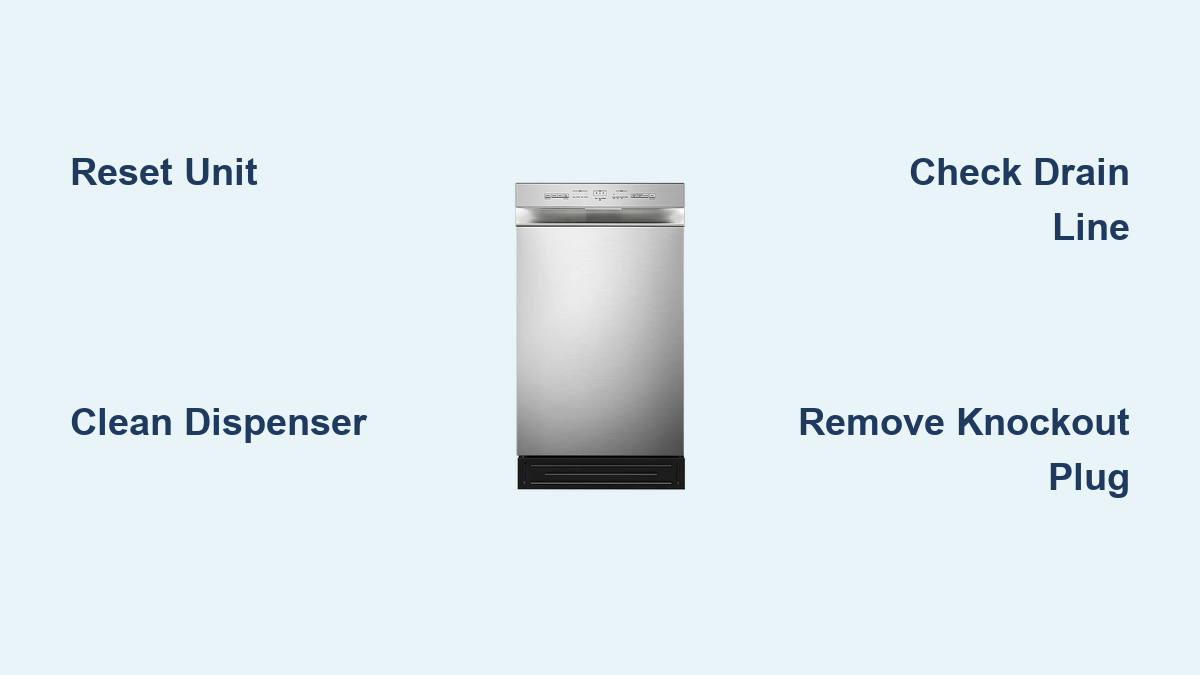
Midea Dishwasher Troubleshooting Guide
Is your Midea dishwasher not starting, flashing lights, or failing to drain? You are not alone. The Midea dishwasher troubleshooting process can seem confusing, especially when confronted with a flashing delicate wash light or a unit that will not respond. But most issues stem from simple, fixable causes like a jammed soap dispenser, kinked drain line, or incorrect installation. This guide delivers a clear, step-by-step approach to diagnosing and resolving the most common problems. Whether you own an MDT24H3A, MDT24H3AST, or another Midea model, you will learn how to reset the system, clear blockages, and determine when to call a technician without risking your warranty.
Reset Your Midea Dishwasher
Before disassembling parts or calling support, perform a reset. This clears temporary glitches and often restores normal operation.
Perform a Hard Reset
A hard reset fully powers down the control board, clearing error codes and firmware hiccups.
Steps:
- Turn off the dishwasher using the power button if available.
- Unplug the unit from the wall outlet, or flip off the circuit breaker for hardwired models.
- Wait 3 to 5 minutes to ensure internal capacitors discharge.
- Restore power.
- Press and hold the Start/Reset button for 3 seconds.
The control board reboots and the unit may run a brief initialization sequence. Try starting a new cycle after completing these steps.
Use a Soft Reset to Cancel a Cycle
Stop an active wash cycle without cutting power.
Steps:
- Press Start/Pause to pause the cycle.
- Hold the Program button for 3 or more seconds.
- Wait for the unit to drain and enter standby mode.
A soft reset does not clear error codes. Use it only to restart a cycle when you need to change programs.
Try Model-Specific Reset for MDT24H3A and MDT24H3AST
Some Midea models support a direct button reset, ideal when standard methods fail.
Supported Models: MDT24H3A, MDT24H3AST
Steps:
- Ensure the unit is powered on.
- Press and hold Delicate and Quick Wash buttons simultaneously.
- Hold for 3 seconds.
A beep or flashing lights indicates success. This method cleared flashing delicate lights when other resets failed according to user reports.
Fix the Flashing Delicate Wash Light
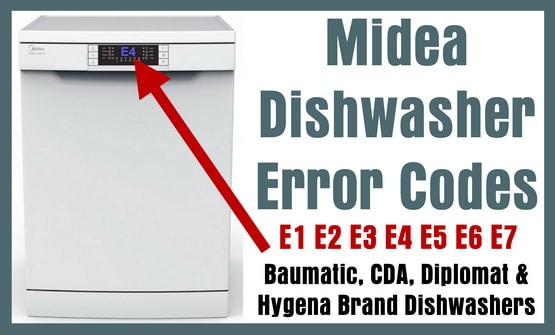
A flashing delicate wash light is the most common Midea dishwasher error. It prevents startup and usually points to drainage or blockage issues.
Clean the Soap Dispenser
A jammed soap dispenser is a frequent cause of this error.
Steps:
- Open the detergent tray.
- Look for hardened detergent, residue, or stuck flaps.
- Gently clean with a soft brush or cloth.
- Close securely and test.
Multiple users report this simple step resolved the flashing light immediately.
Check the Drain Line for Kinks
A pinched or bent drain hose blocks water flow and triggers errors.
What to Check:
• Is the hose kinked behind the unit?
• Is it compressed when the dishwasher is pushed in?
• Was it routed through the cabinet top? Higher pinch risk exists.
Pull the dishwasher out and inspect the entire hose path. Ensure no sharp bends or pressure points. Even a small kink can fully block drainage.
Install a High Loop Drain Configuration
Midea requires a high loop in the drain line to prevent backflow.
Requirements:
• Drain hose must rise to 18 to 24 inches above the floor before descending.
• Creates an air gap to stop sink water from siphoning back.
No high loop means potential siphoning and error triggers. This is not optional. It is required to prevent contamination and drainage failure.
Solve Drainage Problems
If your Midea dishwasher will not drain, the issue is likely external or installation-related, not always a broken pump.
Remove the Garbage Disposal Knockout Plug

This is a top cause of drainage failure in new installations.
What It Is: A plastic plug sealing the dishwasher inlet on new garbage disposals.
If not removed, water cannot exit the dishwasher.
How to Fix:
- Disconnect the drain hose from the disposal.
- Look inside the inlet port.
- Use a screwdriver to knock out the center plug if still present.
- Reconnect the hose.
Verify the knockout tab is removed. It is a common oversight during installation.
Test Drain Function With a Bucket
Confirm whether the blockage is internal or external.
Steps:
- Disconnect the drain hose from the sink or disposal.
- Place the end in a bucket.
- Start a short cycle or drain mode.
- Observe the results.
| Result | Likely Cause |
|---|---|
| Water drains into bucket | Issue is downstream, meaning disposal or clog in pipe |
| No water drains | Internal clog or pump failure |
Diagnose Door Latch Issues
A faulty or unengaged door latch stops the dishwasher from starting.
Confirm Proper Door Closure
Symptoms:
• No startup
• Flashing lights
• No audible click when closing
Checklist:
• Close the door firmly.
• Listen for a click indicating latch engagement.
• Inspect for obstructions like misaligned rack or utensil in the way.
• Look for visible damage to the latch mechanism.
If the latch works, focus on drain line and dispenser issues first.
Inspect Internal Components
If resets and external checks fail, inspect internal parts only if comfortable and warranty allows.
Clean the Filter and Sump
Debris here can block drainage.
Steps:
- Remove the lower rack.
- Take out the main filter by twisting and lifting.
- Rinse under running water.
- Check the chopper blade area for food chunks.
- Reinstall securely.
One customer cleaned the filter but saw no improvement, meaning the root cause was elsewhere, such as the knockout plug.
Test the Drain Pump
Listen during the drain phase. If the pump runs but no water moves, the clog is downstream. If the pump is silent, there may be an electrical fault or control board issue.
Do not disassemble the pump on a new unit under warranty.
Follow Installation Best Practices
Many Midea dishwasher problems stem from incorrect setup, not hardware failure.
Route the Drain Line Correctly
Acceptable Methods:
• High loop under the sink is standard.
• Hose routed through cabinet top works if not pinched.
Avoid:
• Low loops
• Sharp bends
• Compression behind the unit
Push the dishwasher in slowly and recheck the hose for pinching.
Verify Water Supply and Inlet
Though less common, ensure the water valve is fully open, the inlet hose is not kinked, and there are no clogs in the spray arms. Run an empty cycle with vinegar to clean the spray arms.
Know When to Call a Technician
Some issues require professional help, especially if your unit is new.
Contact Support If
• The dishwasher is under warranty, such as installed less than 30 days ago.
• No drainage occurs after the bucket test.
• Pump does not activate.
• Knockout plug is removed, high loop is correct, and reset failed.
• You suspect control board or pump failure.
Since it is under warranty, have someone come out. Professional service is the best choice for new units.
Step-by-Step Troubleshooting Flow
Follow this sequence to resolve most Midea dishwasher issues:
- Try Soft Reset by pressing Start/Pause, then holding Program for 3 seconds.
- Use Model-Specific Reset if MDT24H3A/AST by holding Delicate and Quick Wash for 3 seconds.
- Perform Hard Reset by unplugging, waiting 3 to 5 minutes, and restarting.
- Inspect Soap Dispenser and clean any blockage.
- Check Door Latch to ensure full closure and click.
- Examine Drain Line to confirm high loop with no kinks or pinches.
- Test Garbage Disposal Connection by verifying knockout plug removed and testing drain into bucket.
- Evaluate Internals if experienced by cleaning filter, inspecting sump, and listening for pump.
- Call Technician if the issue persists, unit is under warranty, or pump or control board is suspected.
Key Takeaways for Midea Dishwasher Owners
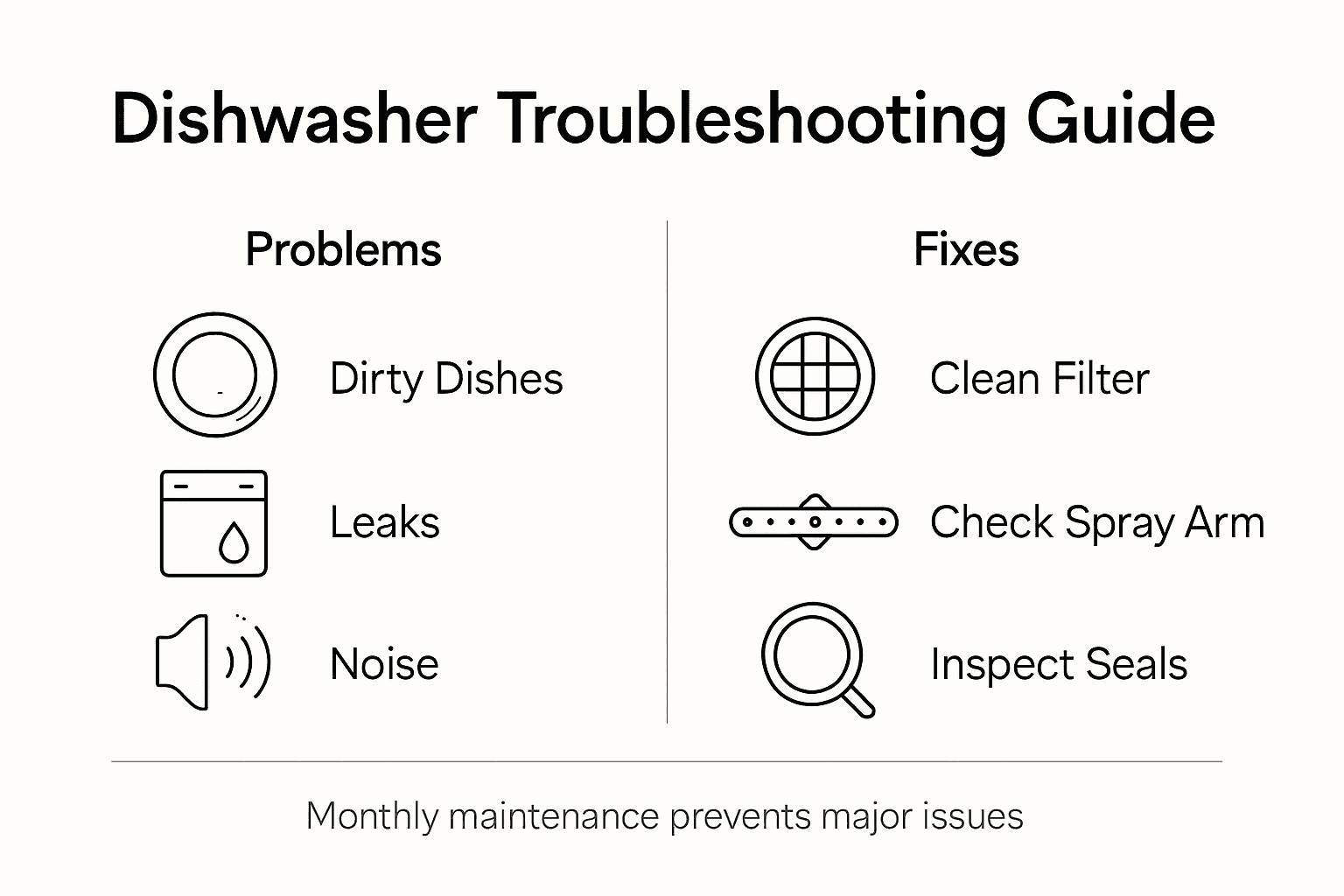
The flashing delicate light usually resolves by cleaning the soap dispenser and checking the drain line. Reset methods matter: hard reset for errors, model-specific for MDT24H3A/AST. The high loop is mandatory to prevent siphoning and drain faults. The knockout plug must be removed because a single plastic piece can stop all drainage. New units with issues should contact support to avoid risking the warranty. Most problems stem from installation errors, so check setup before assuming hardware failure.
By following this guide, you can resolve the vast majority of Midea dishwasher troubleshooting scenarios quickly and safely. Save time, avoid unnecessary service calls, and get your dishwasher running like new without guessing what went wrong.
Frequently Asked Questions About Midea Dishwasher Troubleshooting
Why is my Midea dishwasher delicate light flashing?
The flashing delicate wash light typically indicates a drainage issue or a jammed soap dispenser. Start by cleaning the soap dispenser and checking the drain line for kinks or blockages.
How do I reset my Midea dishwasher?
For a hard reset, unplug the unit or turn off the breaker, wait 3 to 5 minutes, restore power, and press Start/Reset for 3 seconds. For MDT24H3A/AST models, hold Delicate and Quick Wash simultaneously for 3 seconds.
Why is my Midea dishwasher not draining?
Common causes include a garbage disposal knockout plug still in place, a kinked drain hose, or a missing high loop configuration. Test by disconnecting the drain hose and running it into a bucket.
Does Midea dishwasher need a high loop?
Yes, Midea requires a high loop in the drain line, typically 18 to 24 inches above the floor, to prevent backflow and siphoning. This is a manufacturer requirement.
When should I call a technician for my Midea dishwasher?
Contact a technician if the unit is under warranty, basic resets and cleaning fail, no drainage occurs after troubleshooting, or you suspect pump or control board failure.
Can I fix my Midea dishwasher myself?
Many issues resolve with simple fixes like cleaning the soap dispenser, resetting the unit, or checking the drain line. However, do not attempt internal repairs on units under warranty.





