
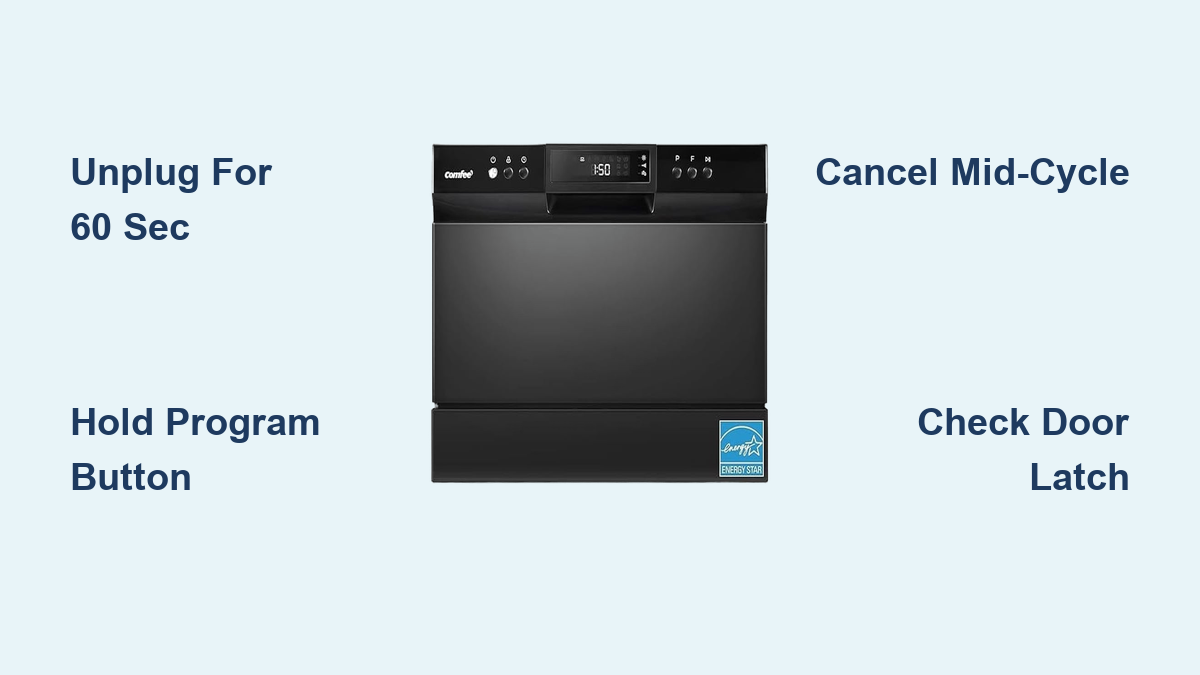
How to Reset Comfee Dishwasher: Quick Steps
Is your Comfee dishwasher showing a frozen display, unresponsive buttons, or stopping mid-cycle without warning? These frustrating issues typically stem from minor electronic glitches in the control board, not serious hardware failure. Learning how to reset a Comfee dishwasher takes just minutes and resolves most problems without requiring professional repair. This guide covers every reset method, from simple power cycles to touch-panel fixes, specifically tailored for Comfee countertop and portable models.
You’ll discover step-by-step procedures for soft resets, hard resets, cycle cancellations, and model-specific troubleshooting. Each method includes clear time estimates, expected outcomes, and warning signs that indicate when to stop resetting and seek additional support.
Perform a Basic Electronic Reset
The most effective solution for frozen displays and unresponsive controls is a complete power cycle. This soft reset clears temporary software errors without affecting your appliance’s long-term settings.
Power Off and Unplug the Dishwasher
Press the Power button to turn off the dishwasher if the display responds. Unplug the unit from the wall outlet. If the plug is difficult to reach, switch off the dedicated circuit breaker supplying power to the appliance. Confirm the dishwasher is completely disconnected with no lights, sounds, or display activity.
Wait 60 Seconds Before Reconnecting
Leave the dishwasher unplugged for at least 60 seconds. Some users report better results with 90 seconds, particularly after repeated failures. This delay ensures complete discharge of stored energy in the internal capacitors, forcing the control board to fully reset.
Restore Power and Restart
Plug the dishwasher back in or flip the breaker. Press any button or the Power key to turn it on. Wait for the startup sequence, during which LEDs may flash briefly. The control panel should respond normally, previous cycle cleared, ready for new selection.
Execute a Factory-Style Hard Reset

When error codes persist or the unit remains unresponsive after a soft reset, perform a hard reset to force a complete system reboot.
Disconnect Power Completely
Unplug the dishwasher. Do not rely on the power button alone. Confirm no standby power is present by checking for no glowing indicators. Current Comfee models do not store user preferences, so no data is lost during this process.
Allow Full System Discharge
Wait 30 to 60 seconds before reconnecting power. Longer waits up to 90 seconds may help stubborn units regain responsiveness. This ensures the microcontroller fully clears volatile memory and reloads firmware defaults.
Re-energize and Observe Boot-Up
Plug the unit back in. Let it run through its automatic initialization. Check if the display returns to default mode. This process essentially mimics a factory-level reboot by interrupting power to the microcontroller.
Cancel or Reset an Active Wash Cycle
If your dishwasher freezes during a cycle or you need to change settings, safely stop and drain the unit before resetting.
Pause and Cancel with Start/Cancel Button
Press Start/Cancel once to pause the cycle. Hold Start/Cancel for 3 to 5 seconds to cancel and initiate draining. You will hear the drain pump run for up to 2 minutes. Do not open the door until draining finishes. The Start/Cancel button serves dual functions: tap to pause, hold to cancel and drain.
Force Reset on Touch-Panel Models
Newer Comfee units with touch-sensitive controls may freeze due to sensor sensitivity. Turn the dishwasher on. Press and hold the Program or Cycle button for 5 to 7 seconds. Continue holding until the display blinks or resets. Use this method when the Start button does not respond, which is common on capacitive touch panels exposed to moisture or soap residue.
Recognize When to Reset Your Dishwasher
Not every problem requires a reset, but certain symptoms signal it is time to power down and restart.
Common Symptoms Indicating Reset Needed
A blinking Start/Pause button usually indicates a software lock or conflicting commands. Fix this with a 60-second power cycle. No response to controls typically means a frozen control board, fixed by a hard reset via unplugging for 60 seconds. A unit that runs but will not fill may have an air lock or water inlet sensor glitch. Continuous drain pump operation indicates the unit is stuck in drain mode.
| Symptom | Recommended Action |
|---|---|
| Frozen display | Soft reset (60-second power cycle) |
| Unresponsive buttons | Hard reset |
| Mid-cycle freeze | Cancel cycle then reset |
| Repeating error patterns | Reset plus inspect mechanical components |
Pre-Reset Checklist
Ensure external conditions are not causing false errors before initiating a reset.
Verify Basic Conditions First
The door must be fully closed and latched. A slightly open door prevents startup. Disable child lock if enabled, as controls will not respond. Disengage by holding Start or Program for 3 to 5 seconds. Verify the water supply valve is open. Confirm the faucet adapter is fully turned on and water flows freely when disconnected. Inspect the drain hose for kinks or blockages, which can trigger error-like behavior.
Post-Reset Verification Steps
After resetting, confirm the dishwasher is fully functional before resuming regular use.
Test Normal Operation
Open and close the door firmly once more to ensure the safety interlock re-engages properly. Select Rinse or Eco mode for a test cycle. Avoid heavy cycles immediately after reset. Listen for unusual noises. Watch for leaks, poor drainage, or failure to fill. Starting with a short cycle verifies stability without risking water damage or overflow.
Model-Specific Insights for Comfee Dishwashers

All Comfee countertop models, including CDT-120, CDT-140, and CDT-160 series, use the same reset procedures. Control boards are standardized across the lineup.
Touch Panels Need Extra Care
Touch-sensitive models are more prone to temporary unresponsiveness due to capacitive sensor sensitivity. They may require longer wait times, up to 90 seconds, for full reset. LED displays flash during boot-up, which is normal behavior. Flashing clears within 10 to 15 seconds. Do not mistake boot animations for error codes.
When Resetting Is Not Enough
Some issues persist despite successful resets, indicating deeper problems.
Signs of Hardware Failure
Persistent error lights or codes point to hardware failure such as pump, heater, or control board issues. No power at all could indicate a blown internal fuse or defective power cord. Test the outlet with another device first. Repeated malfunctions after reset suggest a mechanical fault or worn component. Common culprits include clogged spray arm, failed float switch, and damaged inlet valve.
When to Contact Support
Contact Comfee customer service with your model number if problems persist. Most units have a 1-year limited warranty covering electronic parts. Never open the control panel unless qualified, as this voids the warranty.
Frequently Asked Questions About Resetting a Comfee Dishwasher
How do I reset my Comfee dishwasher when it won’t start?
Unplug the dishwasher from the wall outlet or turn off the circuit breaker. Wait at least 60 seconds to allow the control board to fully discharge. Plug the unit back in or restore power. Press the Power button to turn it on. This power cycle resolves most startup issues caused by software glitches.
Why is my Comfee dishwasher display blinking or frozen?
A blinking or frozen display typically indicates the control board is stuck or experiencing a software error. Perform a 60-second power cycle by unplugging the unit and waiting before reconnecting. If the display still does not respond, try holding the Program button for 5 to 7 seconds to force a hard reset on touch-panel models.
Can I reset my Comfee dishwasher mid-cycle?
Yes. Press the Start/Cancel button once to pause the cycle. Hold the same button for 3 to 5 seconds to cancel and drain. Wait for the drain pump to finish, which takes up to 2 minutes. Do not open the door during draining. Once complete, you can select a new wash program.
How long should I wait before plugging my dishwasher back in after a reset?
Wait at least 60 seconds before reconnecting power. Some users and technical sources recommend waiting up to 90 seconds for stubborn issues, particularly on touch-panel models. Longer wait times ensure complete discharge of stored energy in internal capacitors.
What should I do if my Comfee dishwasher keeps needing resets?
If the dishwasher requires frequent resets, inspect mechanical components. Check for clogged filters, kinked hoses, or faulty float switches. Verify the water supply is adequate and the drain hose is not blocked. If problems continue after addressing these issues, contact Comfee customer support for warranty service or professional repair.
Key Takeaways for Resetting Your Comfee Dishwasher
Resetting your Comfee dishwasher is the first and most crucial troubleshooting step for resolving unresponsive controls, frozen displays, and mid-cycle failures. The 60-second power cycle handles most minor electronic glitches, while the hard reset procedure tackles persistent error codes. For touch-panel models, holding the Program button for 5 to 7 seconds forces the control board to exit stuck states.
Always unplug the dishwasher rather than relying solely on the power button for a true reset. Combine reset procedures with basic maintenance, including cleaning the filter weekly and inspecting hoses monthly. If symptoms persist after multiple resets, suspect hardware issues and contact Comfee customer support with your model number for warranty service.





