
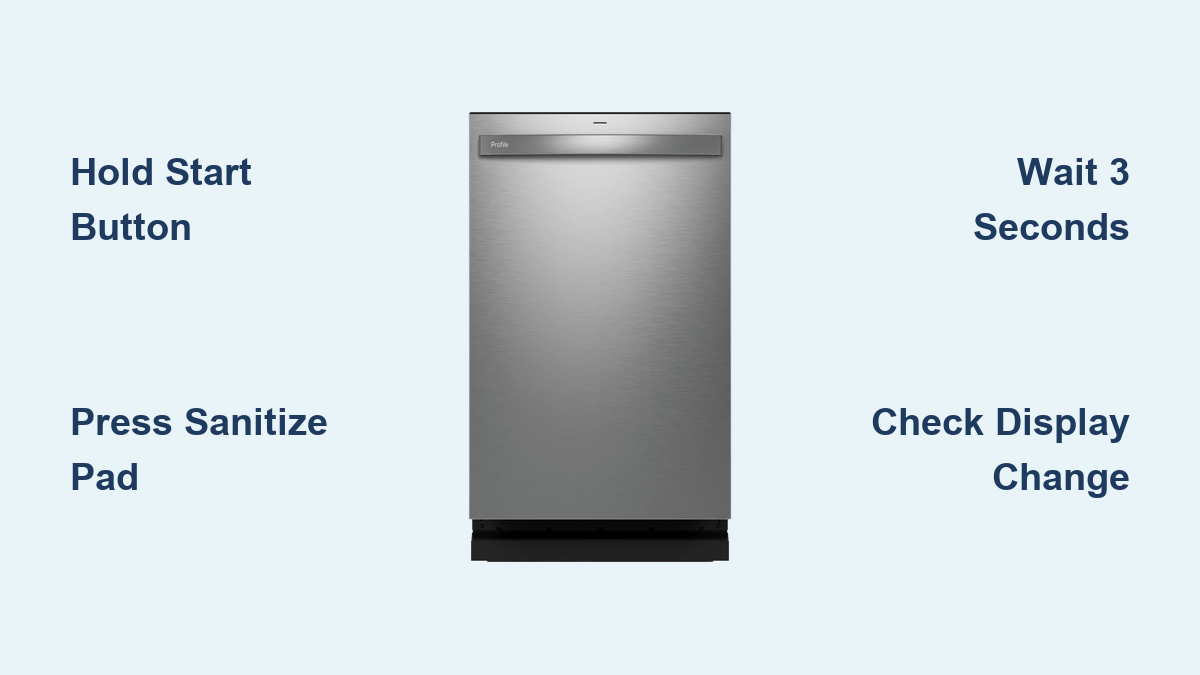
How to Unlock GE Dishwasher: Quick Steps
You’re ready to start a wash cycle, but your GE dishwasher’s control panel won’t respond. No buttons work. The display shows multiple dots or a “Lock Controls” light is on. Don’t worry, your dishwasher isn’t broken. It’s likely just locked. The Control Lock feature on GE dishwashers prevents accidental button presses, especially useful around kids or during cleaning. But when you need to use it, a locked panel can be confusing. Good news: unlocking it is simple and takes seconds. In this guide, you’ll learn the exact steps to unlock any GE dishwasher, including model-specific tips, troubleshooting tricks, and visual cues to confirm success.
Check If Your GE Dishwasher Is Actually Locked
Before attempting to unlock, confirm your dishwasher is actually locked. A non-responsive panel usually means the Control Lock is active, not a mechanical failure.
Look for These Lock Indicators
Check the control panel display for these visual signs:
- Multiple dots (⋯⋯⋯) indicate the panel is locked
- Single dot (•) indicates the panel is unlocked
- Lit “Lock Controls” LED means the panel is disabled
These signs mean the lock is on. No beeps or cycle selections will work until it’s disengaged. If the display is completely blank, the issue may be power-related. Check the outlet and circuit breaker before proceeding.
Common Reasons for Accidental Activation
The Control Lock can activate in these situations:
- Someone pressed and held a button while wiping the panel
- Used during or after a cycle to prevent changes
- Automatically re-engaged after a power outage on some models
Knowing how it got locked helps you avoid repeat issues.
Unlock Using the Control Button
This method works for the majority of GE dishwashers, especially standard and older models.
Step-by-Step Instructions
- Locate the main control or Start button, usually the largest or centrally placed button
- Press and hold the button with steady pressure
- Hold for at least 3 seconds without releasing too soon
- Watch for the display change from multiple dots to a single dot
You’ll often hear a single beep when successful, and the panel will respond immediately.
Pro Tip: Use this same method to relock the panel. Hold the button again for 3 seconds to lock it back.
Confirm Unlock Success
After holding the button, try selecting a cycle like “Normal Wash.” If buttons respond, you’re unlocked. If nothing happens, try the alternative method below.
Some users report better results by holding for 4 to 5 seconds, especially if the first attempt fails.
Unlock Using Function Pads (Specific Models)
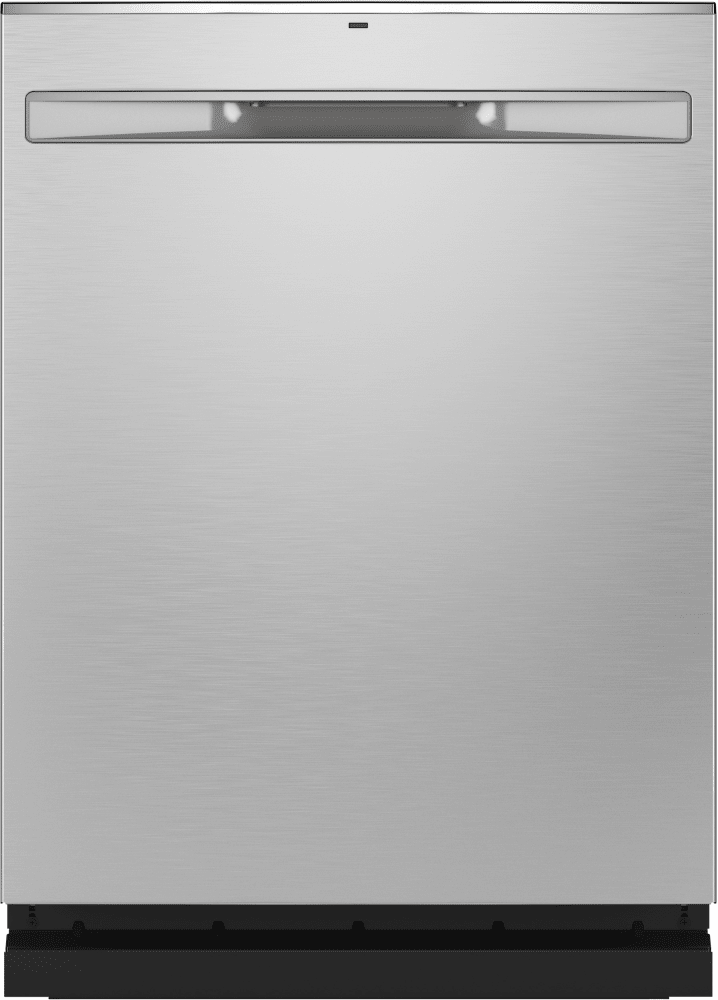
If the main button doesn’t work, your model may require a specific function pad. This applies to newer or high-end GE dishwashers like the GDP645SYNFS.
Try These Function Pads
On select models, the lock is tied to secondary function buttons. Press and hold one of these pads for 3 seconds:
- Dry Boost
- Steam-Sani
- Presoak-Sani
- Sanitize
Watch the “Lock Controls” light. It should turn off when unlocked. Test button response by selecting a cycle to verify.
Warning: On some units, pressing two pads together may be required. If one doesn’t work, try pairing Sanitize plus Dry Boost briefly.
Model-Specific Unlock Patterns
- GDP645SYNFS: Use Dry Boost or Sanitize
- GDT695SMJES: Responds to Steam-Sani hold
- Touchpad models: May need slightly longer press of 4 seconds
When in doubt, Sanitize is often the most reliable button across newer models.
Recognize Successful Unlock Feedback
You don’t need guesswork. Your dishwasher tells you when it’s unlocked through these cues.
Visual and Auditory Confirmation
Look for these signs of success:
- Display changes from multiple dots to single dot
- LED turns off and the “Lock Controls” light goes dark
- Beep sound confirms the unlock
- Buttons respond immediately when pressed
If you see any of these, the lock is off and your panel is functional.
What If Nothing Changes
No change after holding the button? Try these steps:
- Ensure you’re holding the correct button
- Hold for 4 to 5 seconds instead of 3
- Clean the panel with a dry microfiber cloth. Moisture can block touch response.
- Close the door fully. Some models won’t unlock if the door is ajar.
Troubleshoot Common Lock Issues

Sometimes the lock won’t release even when you follow the steps. Here’s how to fix it.
No Response After Holding Button
Wrong button pressed: Many users press Start or Resume instead of Control Lock-linked buttons. Fix by trying Sanitize, Dry Boost, or Steam-Sani instead.
Sticky or dirty buttons: Grease or moisture can prevent proper contact. Fix by wiping the panel with a dry microfiber cloth. Avoid spraying cleaners directly on the panel.
Lock Light Stays On
Hold time too short: Releasing early won’t trigger unlock. Fix by holding for a full 3 to 5 seconds without interruption.
Power glitch: Electrical surges can freeze the control board. Fix by turning off the dishwasher at the circuit breaker, waiting 30 seconds, restoring power, then trying to unlock again. This soft reset clears electronic hiccups.
Display Frozen or Blank
Check power supply: Ensure the unit is plugged in if portable. Verify the outlet works. Test the circuit breaker for tripped switches.
Door not fully closed: Some models disable controls if the door is open. Fix by closing firmly and listening for the latch click.
If the display remains dead after these steps, contact GE support. It may be a control board issue.
Prevent Accidental Locking
Avoid future frustration by learning how locks get activated and how to stop it.
How Locks Get Turned On
The Control Lock activates the same way it turns off. Press and hold the unlock button for 3 seconds. It’s often done by accident while cleaning the panel.
Best Prevention Tips
- Use a dry cloth only when wiping controls. Never use wet cloths or sprays.
- Avoid pressing multiple buttons at once
- Teach household members the lock function
- Lock intentionally after use so you always know the status
Pro Tip: If you have young kids, lock the panel after every cycle to prevent them from starting it with toys or snacks inside.
Model-Specific Unlock Reference Table

Use this quick-reference table to find your model’s unlock method.
| Model Type | Unlock Button | Indicator Change |
|---|---|---|
| Most Standard Models | Start or Control | Multiple dots to single dot |
| GDP645SYNFS | Dry Boost or Sanitize | Lock light turns off |
| GDT695SMJES | Steam-Sani | Dots change with beep sound |
| Modern Touchpad Models | Sanitize (hold 4 sec) | Single dot appears |
When in doubt, Sanitize is the most commonly used unlock button on newer units.
When to Contact GE Support
If all methods fail, it’s time to seek professional help.
Signs of a Deeper Issue
Contact GE support if you notice these problems:
- No display at all, no lights, no dots
- Button holds cause no reaction or sound
- Unit won’t start even after reset
- Frequent unexplained locking
How to Reach GE Support
Visit geappliances.com or call 1-800-GECares (1-800-432-2737). Have your model number ready. It’s usually found on the inner door edge.
Note: No tools or repairs are needed for Control Lock issues. If the panel is physically damaged, professional service may be required.
Quick Unlock Checklist and Final Tips
Master the lock once and for all with these expert-backed shortcuts.
Quick Unlock Checklist
- Identify the lock indicator (dots or light)
- Press and hold Sanitize or Control for 3 to 5 seconds
- Watch for dot change or light-off
- Test with a cycle selection
Best Practices
- Always use dry hands when operating controls
- Clean weekly with a dry cloth to prevent sticky buttons
- Keep the manual. Download a digital copy from GE’s website.
- Label the unlock button with tape if used often
Frequently Asked Questions About Unlocking GE Dishwashers
How do I unlock my GE dishwasher control panel?
Press and hold the main control button or Start button for approximately 3 seconds. The display should change from multiple dots to a single dot, indicating the lock is disengaged.
Why is my GE dishwasher showing multiple dots?
Multiple dots on the display indicate the Control Lock is active. This feature disables all buttons to prevent accidental operation. Hold the control button for 3 seconds to unlock.
What button do I press to unlock a GE dishwasher GDP645SYNFS?
On the GDP645SYNFS model, press and hold either the Dry Boost or Sanitize pad for 3 seconds. The “Lock Controls” indicator light will turn off when successfully unlocked.
Can I unlock my GE dishwasher if the buttons don’t respond?
Yes. Try holding the button for 4 to 5 seconds instead of 3. If that fails, turn off the circuit breaker for 30 seconds to reset the control board, then try unlocking again.
Does the GE dishwasher lock automatically after a power outage?
Some GE dishwasher models automatically re-engage the Control Lock after a power outage. If your display shows multiple dots after a power interruption, simply hold the control button for 3 seconds to unlock.
What should I do if my GE dishwasher won’t unlock after trying all methods?
If standard unlocking methods fail, check that the door is fully closed and the power supply is working. If the display remains blank or the panel is unresponsive, contact GE support at 1-800-432-2737 for professional assistance.
Key Takeaways for Unlocking Your GE Dishwasher
Unlocking a GE dishwasher is fast and simple. No tools, no disassembly, and no guesswork required. Whether you’re using a basic model or a high-tech GDP645SYNFS, the fix is a 3-second button hold. Use Sanitize, Dry Boost, or the main control button depending on your model. If it doesn’t work the first time, hold longer or reset the power by turning off the circuit breaker for 30 seconds. With this guide, you’ll never be stuck with a locked panel again. The Control Lock is a safety feature meant to help, not hinder. Once you know how to use it, you have full control over your dishwasher.





