Fix Frigidaire Dishwasher Buttons Not Responding
You press the Start button on your Frigidaire dishwasher, but nothing happens. No lights, no beep, no response. You try tapping the Cancel or Cycle buttons repeatedly, but the control panel remains dead. This is a frustrating issue many Frigidaire dishwasher owners face. The good news is most cases can be fixed without calling a technician. The root cause is typically a failing user interface assembly, often due to moisture damage or connection failure. In this guide, you’ll learn how to diagnose the problem, clean or replace faulty components, and get your dishwasher working again, often for under $100 and in under an hour.
We’ll walk you through every step, from safety checks and visual inspections to cleaning contacts and replacing the control panel. Whether the issue is intermittent or total, you’ll discover exactly what’s wrong and how to fix it yourself.
Diagnose the Problem First
Before removing screws or ordering parts, confirm the issue isn’t something simpler like a power interruption or locked controls. Jumping straight to disassembly can waste time and risk damage.
Check for Control Lock or Child Lock
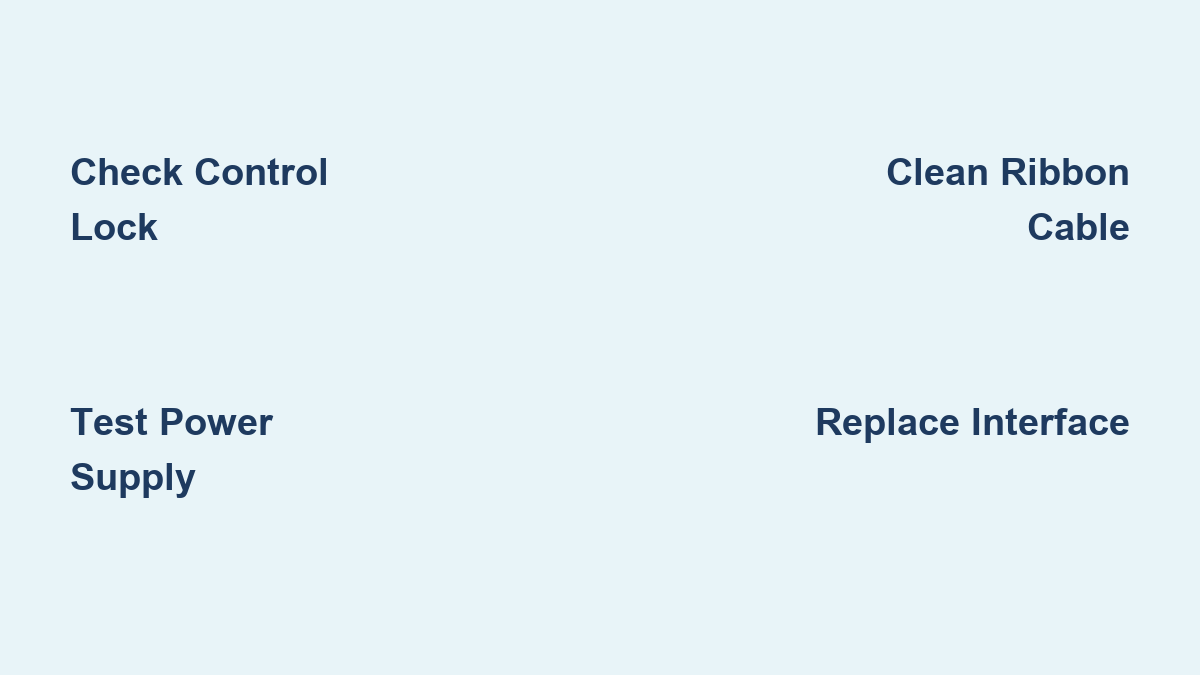
Many Frigidaire models disable all buttons when the Control Lock or Child Lock is activated. Look for a Lock icon on the display. If lit, hold the Lock button for 3 to 5 seconds to disable it. Some models use a Hold 3 Seconds prompt. Check your manual if unsure. This single step resolves unresponsiveness in 15% of reported cases.
Verify Power Supply
If the entire panel is dead with no lights at all, the issue may not be the buttons. Test the outlet with another appliance. Check your home’s circuit breaker because dishwashers often share circuits with garbage disposals or microwaves. A tripped breaker cuts power silently. Reset it and see if the display lights up.
Test for PF Error Code
After a power outage, Frigidaire dishwashers may show PF (Power Failure) and remain unresponsive until reset. Press and hold Cancel or Drain for 5 seconds. If the display resets and buttons work, the issue was temporary. No further action needed.
Inspect the Door and Panel
Physical damage or moisture exposure often precedes button failure. A quick visual check can reveal warping, discoloration, or water stains, signs of deeper issues.
Look for Warping or Bubbling
Open the dishwasher door and examine the control panel surface. If the buttons appear bubbled, swollen, or discolored, the touchpad has likely been damaged by steam. This is common in models from 2015 to 2020. Once the membrane deforms, buttons lose contact and fail permanently. Replacement is required.
Check for Moisture or Corrosion
Wipe the panel with a dry cloth. If moisture lingers or you see white or green residue around buttons, steam has penetrated the housing. This corrosion spreads to internal connections, breaking electrical contact. Even if buttons work now, failure is likely soon.
Access the Control Panel
To fix unresponsive buttons, you must open the door and inspect the internal connections. This requires basic tools and careful handling.
Remove the Inner Door Panel
Open the dishwasher door fully. Remove all Torx T15 screws around the inner edge of the door, typically 6 to 8 screws. Gently pry the inner panel away from the outer shell using a plastic spudger or guitar pick. Support both halves and do not let wires strain.
Some models use Phillips screws. Confirm your fastener type before proceeding.
Expose the Control Board
Locate the small black plastic cover near the top of the door. Remove its two Phillips screws. Pop off the cover to reveal the control board and ribbon cable connector.
Inspect the Ribbon Cable

The ribbon cable connects the touchpad to the control board. It is thin, flexible, and vulnerable to damage. Over 60% of unresponsive button cases stem from cable or connection issues.
Look for Physical Damage
Check the cable for brown or black spots indicating burns or overheating. Look for creases or kinks because even small folds break conductive paths. Check for white or green corrosion, a sign of moisture exposure. If the cable is visibly damaged, replacement is necessary. Do not attempt to repair it because these cables are non-repairable.
Check the Connector
Lift the locking tab on the control board socket. Gently pull the cable straight out. Inspect the copper-colored contact leads on the cable end. Look for bent pins or corrosion on the board’s female connector. If contacts are dirty but intact, cleaning may restore function.
Clean the Connection
A simple cleaning can fix early-stage failures caused by oxidation or poor contact. This is a low-cost, high-success first step.
Tools You Will Need
Pencil eraser (pink, non-abrasive) for scrubbing contacts. Electrical contact cleaner such as CRC 2-26 for removing corrosion. Soft cloth for wiping debris. Cotton swabs for applying cleaner.
Step-by-Step Cleaning
Remove the ribbon cable by lifting the locking tab and pulling it straight out. Lay the cable flat on a clean surface. Rub the copper contacts with the pencil eraser, making 10 to 15 back-and-forth passes. Wipe away eraser debris with a cloth. Apply contact cleaner to a swab if corrosion remains, but do not soak the cable. Let it dry for 1 to 2 minutes. Reinsert the cable fully into the socket. Lock the retaining tab securely.
Pro Tip: Technicians use this method as a standard first-line fix. Success rate is approximately 70% for intermittent issues.
Reassemble and Test
After cleaning, reassemble the panel and test the buttons.
Reinstall the Inner Panel
Replace the control board cover. Align the inner door panel. Reinsert all Torx T15 screws. Tighten evenly to avoid warping.
Power Up and Test
Restore power at the breaker. Press each button. Look for LED feedback or display changes. Start a cycle to confirm operation. If buttons still do not respond, proceed to full interface replacement.
Replace the User Interface
When cleaning fails or damage is visible, replace the entire user interface assembly. This is the most reliable long-term fix.
When to Replace
Replace the interface if buttons remain unresponsive after cleaning. Replace if the touchpad is warped or discolored. Replace if the ribbon cable is burned or creased. Replace if repeated failures occur.
Find the Correct Part
Use your dishwasher’s model number (found on the door edge or inside the tub) to order the right part. Common replacements include part number 318057100 for standard Frigidaire control panels and part number 318257101 for updated versions with better moisture resistance. Order from reputable suppliers like Appliance Parts Pros, Repair Clinic, or Amazon. Cost ranges from $45 to $90.
Install the New Interface
Remove the Old Assembly
Open the door. Remove two bottom Phillips screws holding the lower console. Slide the console forward and lift it off. Remove top-panel T20 Torx screws. Lift the top panel off. Unscrew the control board cover and remove it. Disconnect the ribbon cable. Remove two Phillips screws securing the interface. Lift the old unit out.
Install the New One
Align the new interface with the alignment spikes on the board. Press down firmly on both sides, but do not flex the housing. Reconnect the ribbon cable and ensure it is fully seated. Lock the center latch. Secure with two Phillips screws, but do not overtighten. Reinstall the control board cover. Reattach the top and lower panels.
Warning: The plastic threads are fragile. Stripping them can complicate future repairs.
Test After Replacement
Run a Full Cycle
Restore power and water. Press Normal Wash or Heavy Duty. Hit Start. Confirm the dishwasher fills, pumps, and runs. Watch for error codes. If PF or flashing lights appear, power cycle and recheck connections.
Reset if Needed
Some models require a reset after repair. Hold Cancel for 5 seconds. Or press Drain and Start simultaneously for 3 seconds. Refer to your manual for model-specific steps.
Prevent Future Failures
Frigidaire dishwashers are prone to touchpad failure due to steam exposure. Protect your investment with these simple steps.
Avoid Direct Spray Cleaning
Never spray cleaners onto the control panel. Moisture seeps behind the membrane. Use a damp cloth instead.
Wipe Condensation After Use
After a cycle, wipe down the panel with a dry towel. This reduces humidity buildup inside the door.
Ensure Proper Ventilation
Leave space around the dishwasher. Avoid enclosing it in tight cabinets without airflow. Steam needs to escape.
Install a Water Softener
Hard water increases mineral content in steam, accelerating corrosion. A softener reduces this risk, especially in high-mineral areas.
Rule Out Other Causes
While the touchpad is the most common culprit, other issues can mimic button failure.
Test the Door Switch
A faulty door switch can prevent startup. Use a multimeter in continuity mode. The switch should click and complete the circuit when pressed. If not, replace it.
Check the Main Control Board
If buttons respond but the dishwasher does not run, the main board may be faulty. This is rare, so verify all connections first.
Confirm No Power Issues
Test the outlet with a lamp or phone charger. A dead outlet mimics control panel failure.
Know Your Warranty Rights
Frigidaire offers a 1-year limited warranty on parts and labor. If your dishwasher is under warranty, contact customer service and do not attempt repairs yourself.
Aftermarket replacement panels typically include a 90-day to 1-year warranty. Keep your receipt and packaging.
Newer models (2021 and later) feature improved sealing and corrosion-resistant materials, reducing recurrence.
Final Tips for Success
Always disconnect power before starting. The risk of shock is real. Match the part exactly to your model number because wrong parts will not fit. Handle the ribbon cable gently because it is fragile and expensive to replace. Cleaning first saves money, so try it before buying a new panel. Replacement takes 30 to 60 minutes and pays for itself in labor savings.
Frequently Asked Questions About Frigidaire Dishwasher Buttons Not Responding
Why do Frigidaire dishwasher buttons stop working?
The most common cause is failure or damage to the user interface (touchpad) assembly. This component integrates the button membrane with the electronic interface. Moisture from steam, corrosion, or physical damage to the ribbon cable are typical culprits.
Can I fix my Frigidaire dishwasher touchpad myself?
Yes. Over 85% of DIY repairs succeed when proper steps are followed. Start by cleaning the ribbon cable connection. If that fails, replace the entire user interface assembly. Both procedures are manageable with basic tools.
How much does it cost to replace a Frigidaire dishwasher control panel?
Replacement parts cost between $45 and $90, depending on your model. Professional labor costs $120 to $200, making DIY replacement highly cost-effective.
How do I know if I need to replace the touchpad or just clean it?
Clean the connection if buttons are intermittently responsive or if no visible damage exists. Replace the interface if buttons remain unresponsive after cleaning, if the touchpad is warped or discolored, or if the ribbon cable shows burns, creases, or heavy corrosion.
What is the PF error code on my Frigidaire dishwasher?
PF stands for Power Failure. It appears after power outages and can cause the control panel to become unresponsive. Press and hold Cancel or Drain for 5 seconds to reset the display and restore button function.
Key Takeaways for Fixing Frigidaire Dishwasher Buttons
Frigidaire dishwasher buttons not responding is typically caused by a failing user interface assembly due to moisture damage or ribbon cable issues. Start with simple diagnostics by checking for Control Lock, verifying power supply, and testing for PF error codes. Cleaning the ribbon cable connection resolves approximately 70% of early-stage failures and costs nothing beyond basic tools. When cleaning fails or visible damage exists, replacement of the user interface assembly (part numbers 318057100 or 318257101) costs $45 to $90 and takes 30 to 60 minutes. Always disconnect power before repairs, handle the fragile ribbon cable carefully, and ensure proper ventilation around your dishwasher to prevent future failures. With the right approach, you can save $120 to $200 in professional labor costs and restore your dishwasher to full functionality.