
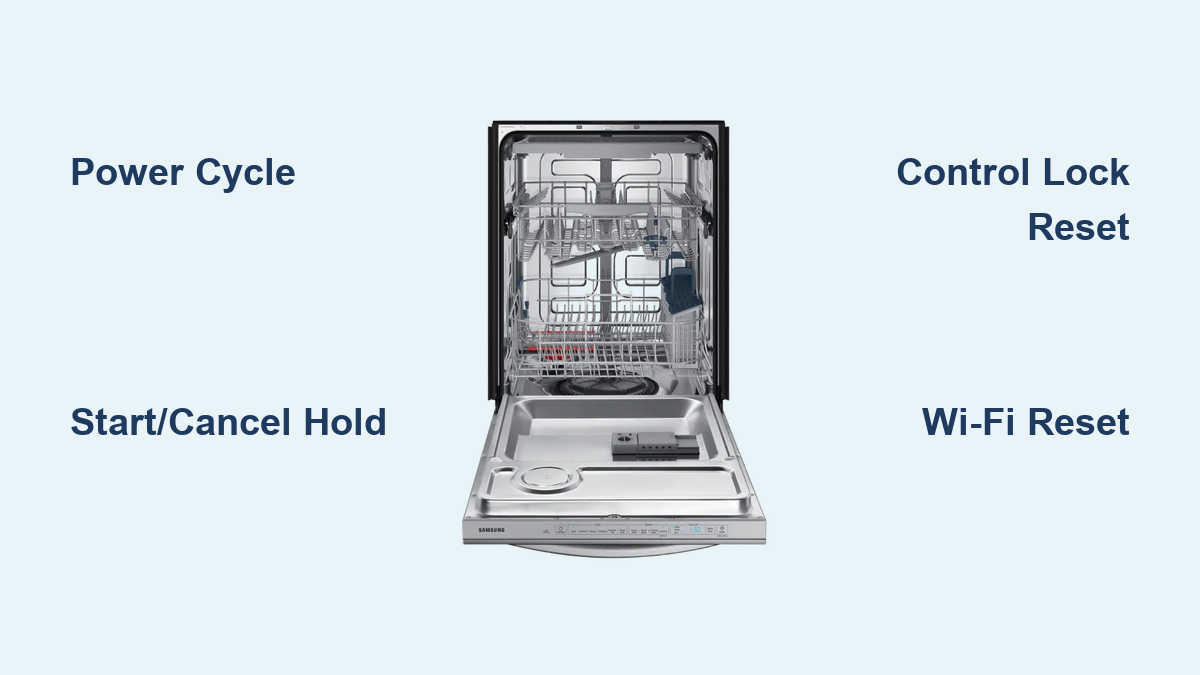
How to Reset Samsung Dishwasher: Quick Steps
Is your Samsung dishwasher acting up? Flashing lights, unresponsive buttons, or a cycle stuck halfway through can be frustrating. A reset often clears error codes, fixes software glitches, and restores normal operation after power surges or water supply interruptions. This guide covers exact reset methods for all Samsung dishwasher models, including hardwired units and Wi-Fi-enabled smart models.
You’ll learn not just how to reset your dishwasher, but when to use each method and what to do if the same problem returns. Every procedure here comes from verified sources and real user-tested fixes.
Power Cycle Reset: Full System Restart

The most reliable way to reset any Samsung dishwasher is a complete power cycle. This clears the control board memory, resets error codes, and resolves issues after electrical disturbances.
Unplug or Breaker-Off Method
Even if your dishwasher is hardwired, you must cut power completely for the reset to work.
Steps:
- Turn off power. If plug-connected, unplug from the outlet. If hardwired, switch off the dedicated circuit breaker.
- Wait 3 to 10 minutes. Three minutes clears most temporary faults. Ten minutes is recommended if lights blink persistently or water was interrupted.
- Restore power. Plug back in or flip the breaker on.
- Restart. Press Power or Start to begin a new cycle.
What it fixes: Frozen display, error codes like blinking Normal light, startup failure after power outage.
Watch for: If the motor runs but no water enters, stop immediately. This indicates a water supply issue, not a control fault.
Button-Based Resets (No Power Cut Needed)
Prefer not to touch the breaker? Try these button combinations to reset without disconnecting power.
Power Button Restart
Use this for minor glitches like unresponsive touch controls or a frozen display.
Steps:
- Press Power to turn off.
- Wait 30 to 60 seconds.
- Press Power again to restart.
Time required: Under 1 minute. Best for: Quick fixes after interrupting a cycle or control lag.
Start/Cancel Hold Reset
Cancels the current cycle and triggers a soft reset. This often includes a drain sequence.
Steps:
- Press and hold Start or Start/Cancel for 3 to 5 seconds.
- Listen for a chime or watch for drain activity.
- Wait for draining to finish if it occurs.
- Select a new cycle and start.
Pro tip: On many models, holding Start for 3 seconds forces a drain. This is ideal if the tub has standing water.
Control Lock Reset
If buttons are not responding, the Control Lock may be enabled. This is common after accidental presses.
Steps:
- Hold the Control Lock button for 3 seconds.
- The lock icon should disappear.
Alternate method (older models): Hold Heated Dry and High Temp Wash simultaneously for 3 seconds.
Result: Restores full button functionality. No power cycle needed.
Hardwired Dishwasher Reset

No plug? No problem. Most Samsung dishwashers are hardwired, so use the circuit breaker for a full reset.
Breaker-Off Reset
Steps:
- Press Power to turn off if the dishwasher is active.
- Switch off the dishwasher’s dedicated circuit breaker.
- Wait 5 minutes for full capacitor discharge.
- Turn breaker back on.
- Power up and test.
Why 5 minutes? Hardwired units retain power longer. Short waits may not fully reset the board.
Best for: Persistent error codes, flashing lights, or failure to start after power restoration.
Wi-Fi and Smart Features Reset
Own a SmartThings-compatible Samsung dishwasher? Reset network settings when it will not connect or shows offline.
Network Reset Steps
For Wi-Fi models such as DW80R9950 and DW72M9950:
- Press and hold Smart Control for 3 seconds until AP appears.
- Press and hold Hi-Temp Wash for 7 seconds until a chime sounds.
- Turn off manually.
Result: All saved Wi-Fi credentials are erased. Reconnect via SmartThings app.
Use when: You changed your router password, the dishwasher shows Offline, or smart features are unresponsive.
Tip: After reset, use the app to check for firmware updates. Outdated software can cause glitches.
What a Reset Will Not Fix

Resetting clears errors but does not repair hardware. If the same issue returns immediately, the root cause remains.
Common Issues That Need More Than a Reset
Blinking Normal Light
This indicates a fault condition, not just a software glitch.
Causes:
- Water supply off or low pressure
- Inlet valve failure
- Clogged filter or spray arm
- Airlock in water line
Check first: Is the water shutoff valve under the sink fully open? Is the inlet hose kinked? Are filters clean?
Never run the dishwasher dry. The pump and heating element can overheat and fail.
No Water Intake After Power Restore
Even if the motor runs, no water means stop immediately.
Diagnose:
- Confirm water supply is on.
- Inspect inlet hose for blockages.
- Test inlet valve for continuity. This requires a multimeter.
Persistent issue? Call a technician. The valve or pressure sensor may be faulty.
When to Reset: Best Practices
Resetting should be the last step, not the first.
Do This Before You Reset
- Check water supply valve
- Ensure door is fully closed and latched
- Clean filter and spray arms
- Verify power is reaching the unit. Check outlet or breaker.
Reset only after troubleshooting. Otherwise, errors will return.
Do not reset blindly. You will waste time and risk damage.
Model-Specific Reset Tips
Samsung DW80M2020
This model is known for blinking Normal light after water interruption. It requires a 10-minute power cycle for full reset. If the motor runs but no water enters, check the supply first, not the control board.
Wi-Fi Models (DW80R9950, DW72M9950)
These support Smart Control reset and app diagnostics. Use the SmartThings app to view error logs, perform remote reset, and update firmware.
App advantage: Get real-time alerts and troubleshooting prompts.
Summary: All Samsung Dishwasher Reset Methods
| Method | Steps | Duration | Best For |
|---|---|---|---|
| Power Cycle | Unplug or cut breaker. Wait 3-10 min. Restore. | 3-10 min | All models. Full system reset. |
| Power Button Restart | Off. Wait 30-60 sec. On. | Under 1 min | Minor glitches. |
| Start Button Hold | Hold Start/Cancel 3-5 sec. | Under 1 min | Cancel cycle. Drain reset. |
| Control Lock Reset | Hold Lock button 3 sec. | Under 1 min | Unresponsive controls. |
| Breaker Reset | Breaker off. Wait 5 min. On. | 5+ min | Hardwired units. |
| Network Reset | Smart Control + Hi-Temp Wash hold. | Under 1 min | Wi-Fi reconnection. |
Frequently Asked Questions About Resetting Samsung Dishwashers
How do I reset my Samsung dishwasher after a power outage?
Unplug the dishwasher or turn off the circuit breaker. Wait 3 to 10 minutes. Restore power and press Power or Start to begin a new cycle. For persistent blinking lights, wait the full 10 minutes.
Why is the Normal light blinking on my Samsung dishwasher?
A blinking Normal light usually means a fault condition. Common causes include water supply being off, low water pressure, a clogged filter, or inlet valve failure. Check the water shutoff valve first before attempting a reset.
Can I reset my Samsung dishwasher without unplugging it?
Yes. You can use button-based resets such as holding Start/Cancel for 3-5 seconds, pressing Power off and on, or disabling Control Lock by holding the button for 3 seconds. These methods work without cutting power.
How do I reset a hardwired Samsung dishwasher?
Turn off the dishwasher using the Power button. Switch off the dedicated circuit breaker in your electrical panel. Wait 5 minutes for full capacitor discharge. Turn the breaker back on and power up the dishwasher.
How do I reconnect my Samsung dishwasher to Wi-Fi after resetting?
Press and hold Smart Control for 3 seconds until AP appears. Press and hold Hi-Temp Wash for 7 seconds until you hear a chime. Turn the dishwasher off manually, then open the SmartThings app to reconnect to your network.
When should I call a technician instead of resetting?
If error codes return immediately after a proper reset, or if the dishwasher exhibits physical symptoms like no water intake despite open supply valves, running without water, or unusual noises. These indicate hardware or plumbing issues that require professional service.
Final Tips for Preventing Future Dishwasher Issues
- After any plumbing work, always check water flow before starting the dishwasher.
- Clean the filter monthly. Clogs cause errors and poor cleaning.
- Update firmware via the SmartThings app for optimal performance.
- Keep the user manual handy. Model-specific codes vary.
Need help? Use Samsung Support online, schedule service via the Samsung app, or for Wi-Fi models, check SmartThings diagnostics.
Bottom line: Resetting your Samsung dishwasher can fix many issues, but only if done correctly and at the right time. Use the power cycle for full resets, button combos for quick fixes, and network reset for smart models. Always diagnose first. A reset will not fix a closed water valve or broken pump.
Now you are equipped to troubleshoot like a pro. Try the right reset method and get your dishwasher back in action safely and efficiently.





