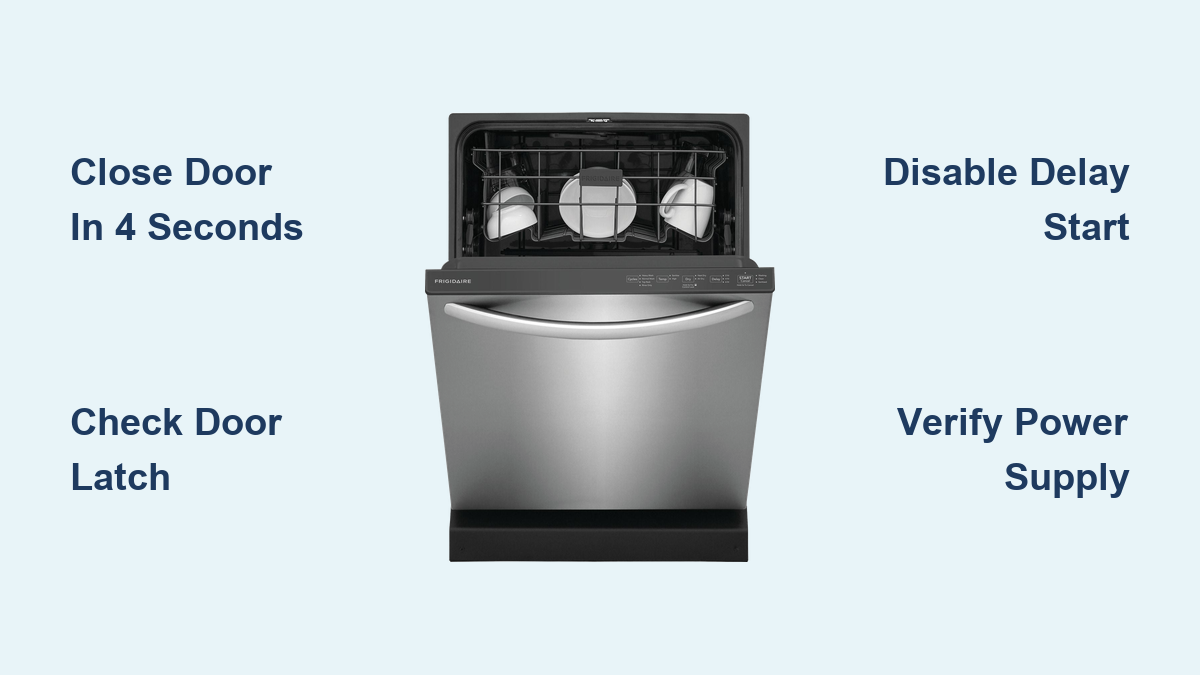
How to Start Frigidaire Dishwasher: Quick Guide
You’ve unloaded the groceries, cooked dinner, and now it’s time to clean up, only to stare blankly at your Frigidaire dishwasher wondering how to get it running. You’re not alone. Despite their reputation for efficiency and quiet operation, many users struggle with the simple act of starting a Frigidaire dishwasher, especially newer models with touch-sensitive controls and strict timing requirements.
The good news? Starting your Frigidaire dishwasher doesn’t have to be confusing. Whether you just installed a new unit or are troubleshooting a model that won’t start, this guide walks you through every step from loading and selecting cycles to understanding indicator lights and avoiding the most common startup mistakes. By the end, you’ll know exactly what to do when you press Start and why that 4-second door-close rule is non-negotiable on many models.
Load Dishes Correctly

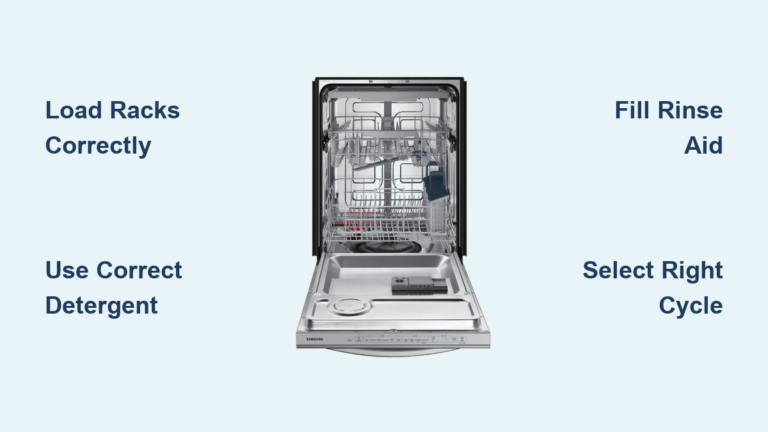
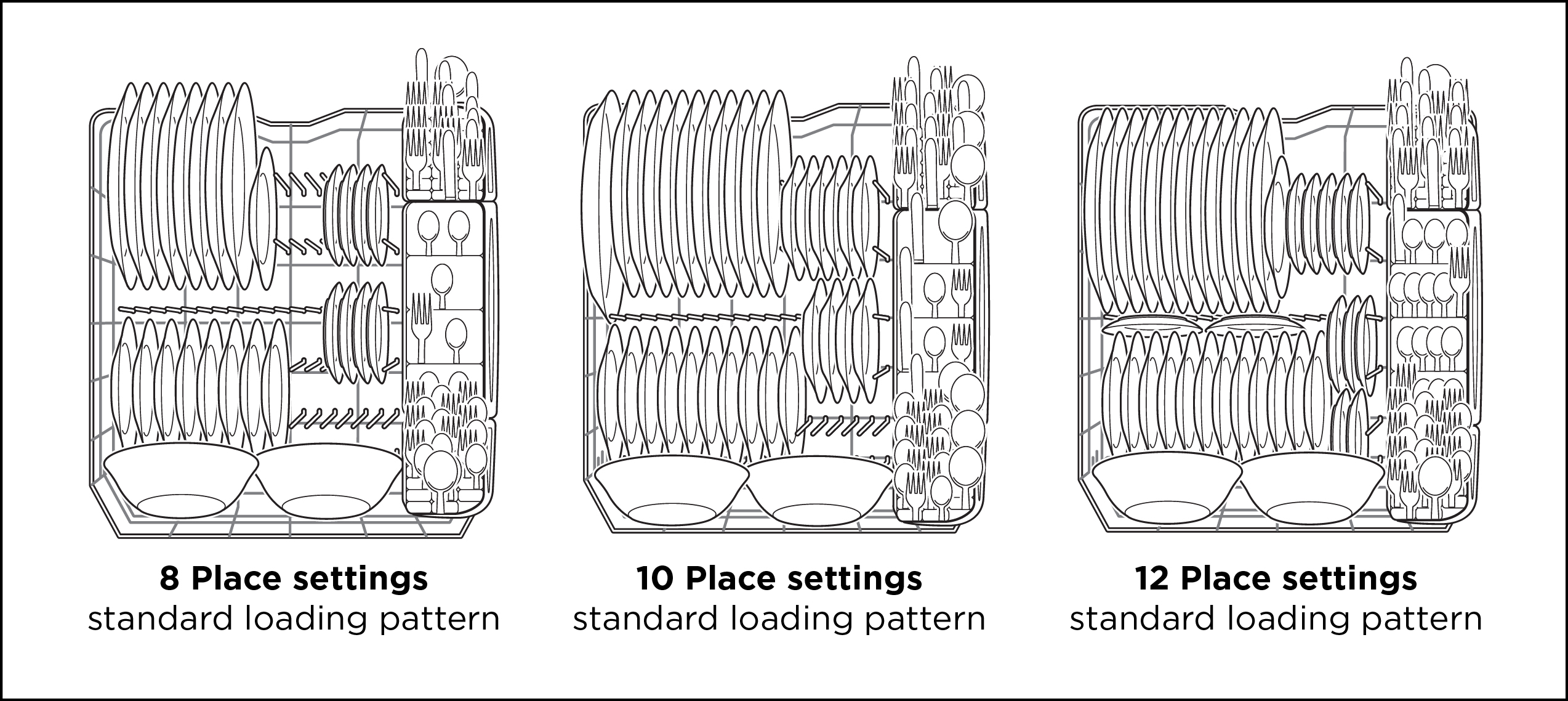
Before pressing any buttons, ensure your dishwasher is loaded properly. Improper loading is a leading cause of poor cleaning and can even prevent spray arms from rotating, triggering error-like behavior.
Position Racks Strategically
- Place plates, bowls, and cookware at angles facing the center spray arms.
- Avoid blocking the lower or upper spray arms, especially large pots or cutting boards.
- Glasses and mugs go on the top rack, upside down.
- Silverware should be spaced apart in the designated basket to prevent nesting.
Check Spray Arm Movement
Manually rotate both spray arms to confirm they spin freely. If they hit dishes, adjust the load. A blocked spray arm can cause incomplete cycles or drainage issues.
Pro Tip: Never overload the dishwasher. Leave space between items for water and detergent to circulate.
Add Detergent Properly
Using the right detergent and loading it correctly ensures your cycle starts and cleans effectively.
Choose the Right Detergent Type
- Pods: Drop one directly into the main detergent cup. Do not puncture or unwrap.
- Powder: Fill the main cup to the fill line. Overfilling can cause clumping.
- Liquid: Only use if your model supports it. Check the manual. Pour into the designated compartment.
Close the Dispenser Securely
After loading, close the detergent cup with a firm click. An open or improperly latched dispenser may delay or cancel the cycle.
Avoid: Placing detergent in the rinse aid dispenser or silverware basket. This can damage the unit and void warranties.
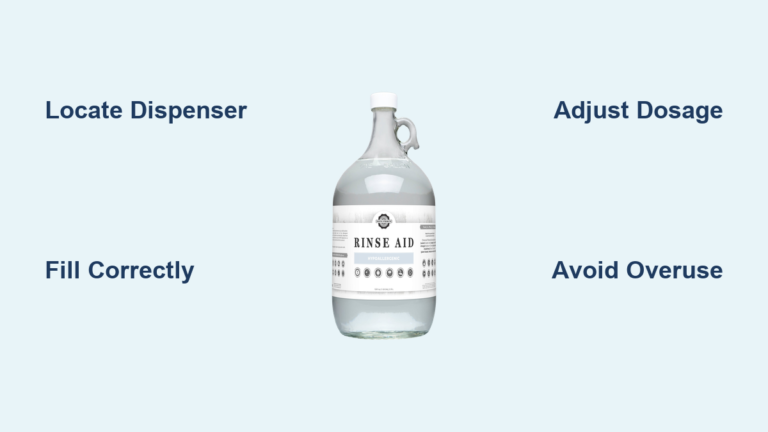
Fill Rinse Aid Reservoir
Rinse aid is not optional for optimal performance. It improves drying and prevents water spots.
Locate and Open the Rinse Aid Cap
Turn the cap counterclockwise. It’s usually near the detergent compartment on the inside of the door.
Pour Until Full
Fill to the “MAX” line. Most models have a small indicator window. Overfilling may cause foaming.
Check Indicator Light
Many Frigidaire models have a low rinse aid warning light on the control panel. Refill when it illuminates.
Best Practice: Use rinse aid every cycle, even with detergent pods that contain it.
Select the Right Wash Cycle
Your Frigidaire dishwasher offers multiple cycles for different loads. Choosing the correct one ensures effective cleaning and proper startup.
Common Cycle Options
- Normal Wash: Best for everyday dishes. Lasts 1.5 to 2 hours.
- 1-Hour Wash: Quick clean for lightly soiled items. Not compatible with high-temp wash.
- Heavy Wash: For pots, pans, and baked-on food. Uses hotter water and longer wash times.
How to Select a Cycle
- Press the Cycle button (usually on the left of the control panel).
- Watch the indicator light move across options.
- Stop when your desired cycle lights up.
The selected cycle’s light will stay solid. Others will turn off.
Set Water Temperature (If Available)
Higher water temperature improves cleaning and sanitization, especially for greasy or heavily soiled dishes.
Activate High-Temperature Wash
- Press the Temp or High Temp button once.
- A light will illuminate, confirming activation.
- Press again to disable.
Temperature Limitations
- High-temp wash is not available during the 1-Hour Wash cycle.
- Inlet water should be at least 120°F (49°C) for best results.
Pre-Heat the Water
Run hot water at the kitchen sink until it is hot (about 15 to 30 seconds) before starting the dishwasher. This ensures the first fill uses hot water, improving cleaning efficiency.
Why It Matters: Cold inlet water can trigger sensors to delay or abort cycles on sensitive models.
Choose Additional Options
Frigidaire dishwashers offer convenient add-ons to customize your wash.
Use the Options Button
Press the Options button (typically on the right side) to toggle features:
- Heat Dry: Engages the heating element for faster, hotter drying.
- 4-Hour Delay Start: Delays cycle start by 4 hours, ideal for off-peak energy use.
- Both: Heat Dry plus Delay Start (if supported).
How to Disable Options
Press the Options button repeatedly until all indicator lights turn off.
Set a Delayed Start
- Press Options until “4-Hour Delay” light is on.
- Press Start.
- Close the door firmly within 4 seconds.
Warning: Opening the door after setting a delay may cancel it unless the door is re-closed quickly.
Start the Dishwasher
This is the critical step where most users go wrong, especially on newer Frigidaire Gallery models.
Press Start, Then Close Door
- Press the START/CANCEL button.
- Immediately close the door firmly, you should hear a click.
- The Start light will change from blinking to solid when the cycle begins.
The 4-Second Rule
On many models, you must close the door within 4 seconds of pressing Start. If you do not, the cycle will not begin, and the light may continue blinking.
What to Expect: Within 10 to 30 seconds, you will hear water filling the tub and a soft humming or clicking sound.
Confirm It Is Running
- Solid Start light equals cycle in progress.
- Progress light may blink or move across a display.
- No chime is normal. Frigidaire models typically do not beep at start.
Understand Indicator Lights
Frigidaire uses visual cues instead of sounds. Knowing what the lights mean helps you confirm operation and troubleshoot.
During the Cycle
- Blinking Start Light: Cycle is set but not running. Door may not be closed or latched.
- Solid Start Light: Cycle has started.
- Blinking Cycle Light: Unit is progressing through wash, rinse, or dry phases.
At Completion
- A green “Clean” light appears to the left of the word “Clean” on the panel.
- This light stays on for hours after the cycle ends.
- No sound means you will need to check visually.
Note: The “Clean” light confirms dishes are dry and sanitized.
Cancel or Restart a Cycle
Sometimes you need to stop mid-cycle, maybe you forgot a dish or see an error.
How to Cancel
- Press and hold the START/CANCEL button for 3 seconds.
- The light will blink as the cycle drains.
- Wait 1 to 2 minutes before opening the door.
How to Restart
- Close the door firmly.
- Press START again.
- If the cycle does not resume, reselect your wash cycle and options.
Tip: If the door was open too long, the dishwasher may reset. Always reconfirm settings.
Troubleshoot: Dishwasher Won t Start

Even with correct steps, your Frigidaire may not start. Here is how to diagnose and fix it.
Check Door Latch
- Close the door with firm pressure.
- Listen for a click. No click means it is not latched.
- Ensure nothing is blocking the door (e.g., a utensil or rack misalignment).
Disable Delay Start
- Press the Options button until the delay light turns off.
- A lit delay indicator means the cycle is waiting, not broken.
Unlock Child Lock
Some models have a Control Lock feature that disables buttons.
– To unlock: Hold Options plus Temp for 3 to 5 seconds (varies by model).
– The control lock light should turn off.
Verify Power Supply
- Check the circuit breaker or GFCI outlet under the sink.
- Reset if tripped.
- Ensure the dishwasher is plugged in (if portable) or hardwired correctly.
Test Water Inlet
- Confirm the water supply valve under the sink is fully open.
- Check for kinks in the inlet hose.
- Run hot water at the sink to ensure proper inlet temperature.
Perform a Soft Reset
If the control panel is unresponsive:
- Turn off power at the breaker.
- Wait 5 minutes.
- Restore power.
- Try starting again.
When to Call Support: If lights remain off or buttons do not respond after reset, contact Frigidaire at 1-800-944-9044 for warranty service.
Model-Specific Tips: Frigidaire Gallery
High-end Frigidaire models have unique behaviors that can confuse new users.
Door Closure Sensitivity
- These models require firm, deliberate closure.
- The 4-second rule is strict. Press Start, then close fast.
- Do not assume the door is latched by appearance. Listen for the click.
Touchpad Feedback
- Press buttons firmly but briefly.
- Avoid holding too long, which may trigger lock or cancel functions.
Option Limitations
- Only Heat Dry and 4-Hour Delay are typically available.
- Some models do not allow combining certain options.
User Insight: A verified buyer reported repeated startup failures until they realized they were closing the door too slowly. Once they closed it within 4 seconds, the dishwasher worked perfectly.
Maintain for Reliable Operation
Regular maintenance prevents startup issues and extends your dishwasher’s life.
Clean the Filter Monthly
- Remove the lower rack.
- Twist and lift the filter assembly.
- Rinse under warm water to remove food debris.
- Reinstall securely.
Inspect Spray Arms Every 3 Months
- Remove arms by twisting counterclockwise.
- Check nozzles for clogs. Use a toothpick if needed.
- Rinse and reinstall.
Wipe the Door Gasket
- Clean the rubber seal with a damp cloth monthly.
- Remove mold, grease, or food residue.
- Ensures proper sealing and prevents leaks.
Run a Cleaning Cycle
Once a month, run an empty cycle with a dishwasher cleaner or a cup of white vinegar on the top rack. This removes buildup and odors.
Optimize Performance: Pro Tips
Get the most from your Frigidaire dishwasher with these expert-backed strategies.
Pre-Heat the Water
Run the hot water at your kitchen sink for 15 to 30 seconds before starting. This ensures the dishwasher starts with hot water, improving cleaning and preventing sensor errors.
Use Fresh Detergent
Old or moisture-exposed detergent loses effectiveness. Store pods in a dry place and check expiration dates.
Avoid Overloading
Crowded dishes block water flow. If spray arms cannot rotate, the cycle may fail or clean poorly.
Enable Heat Dry for Best Results
While it uses more energy, Heat Dry significantly improves drying, especially for plastics and dense loads.
Key Takeaways for Starting Your Frigidiane Dishwasher
Starting a Frigidaire dishwasher is straightforward once you understand the steps and the hidden rules that trip up many users. The most critical thing to remember is the 4-second door closure requirement on most models. After pressing Start, you must close the door firmly within 4 seconds or the cycle will not initiate. This is especially true for Gallery models and other high-end units.
Before starting, always load your dishes properly with spray arms free to rotate, add detergent to the correct compartment, and fill the rinse aid reservoir for optimal drying performance. Select your desired cycle using the control panel, choose any additional options like Heat Dry or Delay Start, then press Start and close the door immediately.
If your dishwasher refuses to start, check the door latch first, then verify that Delay Start is not enabled, ensure Child Lock is off, and confirm your power and water supply are working. A simple soft reset by turning off the breaker for 5 minutes can resolve many electronic glitches.
For persistent issues, contact Frigidiane customer support at 1-800-944-9044. With proper maintenance including monthly filter cleaning and regular spray arm inspections, your Frigidiane dishwasher will provide years of reliable operation.
Frequently Asked Questions About Starting a Frigidiane Dishwasher
Why will my Frigidiane dishwasher not start after pressing Start?
The most common cause is failing to close the door within 4 seconds of pressing Start. Other possibilities include an unlatched door, enabled Delay Start, active Child Lock, or a tripped circuit breaker. Check each of these before calling for service.
What does it mean when the Start light is blinking?
A blinking Start light indicates the cycle is programmed but has not yet started. This usually means the door is not properly closed and latched. Close the door firmly until you hear a click, and the light should turn solid.
How do I know if my Frigidiane dishwasher is actually running?
Look for a solid Start light rather than a blinking one. Within 10 to 30 seconds, you should hear water filling the tub and a humming or clicking sound. The progress light may also blink or move across the display.
Can I add dishes after the cycle has started?
It is not recommended. Opening the door during a cycle will pause it, and on some models, it may cancel the cycle entirely. If you must add something, press Start/Cancel, add the item, then reselect your cycle and options.
What does the green Clean light mean?
The green “Clean” light appears when the wash cycle is complete and dishes are dry and sanitized. This light remains on for several hours after completion. Frigidiane models do not chime at the end, so you must check this light visually.
How do I cancel a running cycle?
Press and hold the START/CANCEL button for 3 seconds. The light will blink as the cycle drains. Wait 1 to 2 minutes before opening the door to avoid water spillage.